


Extract staff distribution growth from LinkedIn Company or School Insights pages, capturing 6‑month and 1‑year trends by distribution type to power talent intelligence, competitive analysis, and account prioritization. Send structured data to Google Sheets, Airtable, or Notion, enrich and summarize with AI, and build global workforce analytics with high‑quality, maintained data.
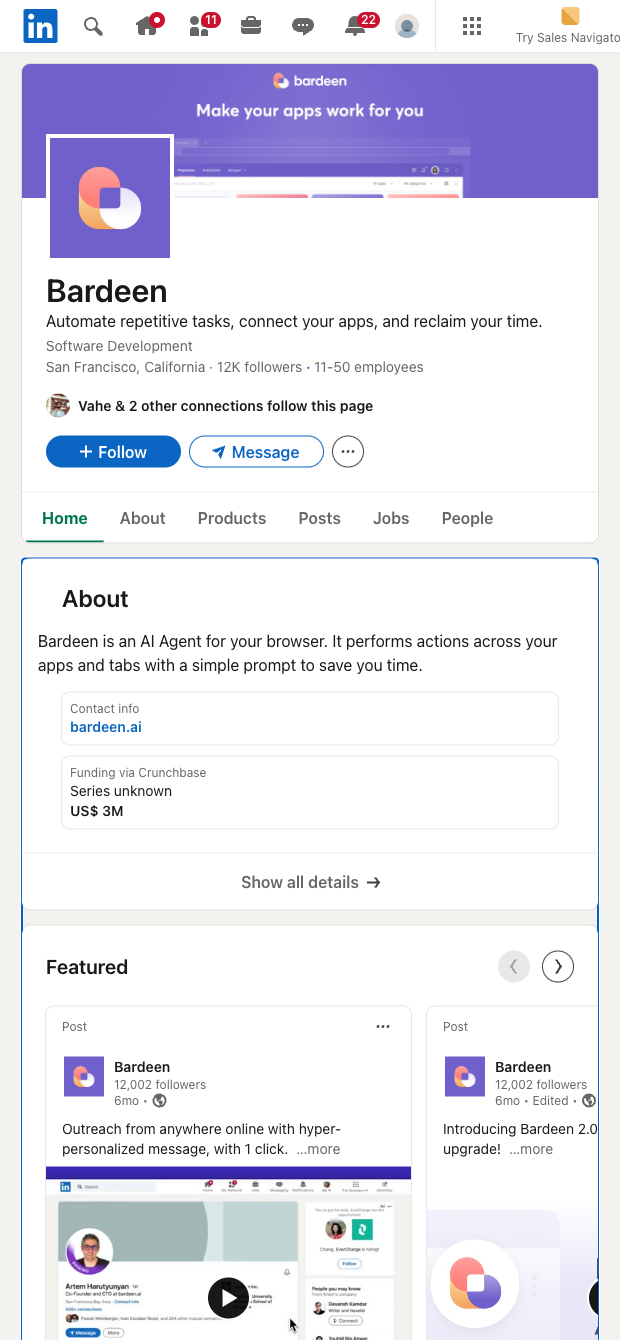

This scraper is ideal for talent acquisition teams, sales and revenue operations, competitive intelligence analysts, founders, and investors who rely on LinkedIn Insights to track workforce dynamics. It collects the distribution categories shown on LinkedIn Insights (for companies or schools) and their 6 months growth and 1 year growth, helping you quickly spot hiring momentum by distribution type to assess expansion, prioritize accounts, and benchmark competitors across global markets.
Use it to pull clean tabular data from any LinkedIn /company/.../insights or /school/.../insights page, then compute growth scores, rank targets, and build dashboards. With Bardeen, you can enrich with firmographics, summarize trends with AI, create alerts when growth crosses thresholds, and export to Sheets, Airtable, or Notion for collaboration and reporting—turning LinkedIn staff distribution growth into actionable workforce and go‑to‑market insights.
Maintained by Bardeen: this template is actively monitored and updated to reflect LinkedIn changes, ensuring reliable, high‑quality structured data.
With Bardeen, you can do much more than just web scraping. After extracting data from any website, use Bardeen’s powerful automation tools to validate and enrich your data, run additional scrapers on linked pages, or leverage AI to qualify leads and generate content automatically. Once your data is ready, you can easily export it to CSV, Google Sheets, Airtable, or Notion for further analysis and reporting.






SOC 2 Type II, GDPR and CASA Tier 2 and 3 certified — so you can automate with confidence at any scale.








