


Send personalized LinkedIn connection requests with a custom note directly from any profile page, while capturing key profile details into a structured table for follow-up. Built for SDRs, recruiters, founders, and partnership managers worldwide, this template streamlines prospecting and hiring by generating tailored messages, logging outreach, and syncing outcomes to your CRM or spreadsheet—boosting acceptance rates and saving hours.
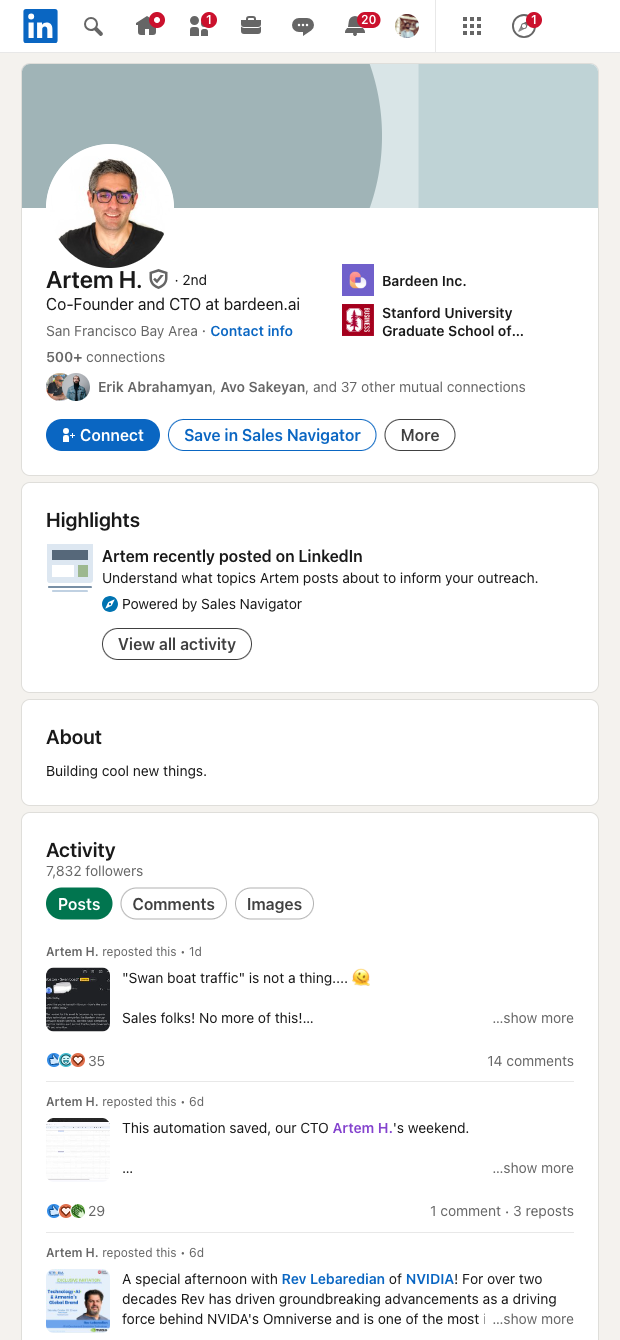

Who it’s for: Sales and business development reps, recruiters, founders, and partnership managers who engage prospects and candidates on LinkedIn globally. From any linkedin.com/in/ profile, this template helps you craft a custom connection note—optionally using AI to personalize based on the profile’s visible details—so your invites feel relevant and increase acceptance rates.
How it’s used: Capture key profile information into a clean table, generate or insert a tailored message, and send the connection request in a click. Then leverage the Bardeen extension to enrich records, deduplicate, score and segment by role or company, summarize profiles with AI, and track outreach status. Seamlessly export to Google Sheets, Airtable, Notion, or sync with tools like HubSpot and Salesforce for a unified pipeline.
Quality you can trust: This template is maintained and updated by Bardeen to adapt to LinkedIn changes, ensuring reliable performance and high-quality, structured data for your workflows.
With Bardeen, you can do much more than just web scraping. After extracting data from any website, use Bardeen’s powerful automation tools to validate and enrich your data, run additional scrapers on linked pages, or leverage AI to qualify leads and generate content automatically. Once your data is ready, you can easily export it to CSV, Google Sheets, Airtable, or Notion for further analysis and reporting.






SOC 2 Type II, GDPR and CASA Tier 2 and 3 certified — so you can automate with confidence at any scale.










