


Automatically follow any LinkedIn profile from a /in/ page in one click. Ideal for sales reps, recruiters, founders, and community managers who want to scale social selling, talent sourcing, and community building. Chain this action with Bardeen to log follow events, add notes, enrich with AI, and sync to Google Sheets, Airtable, Notion, or your CRM.
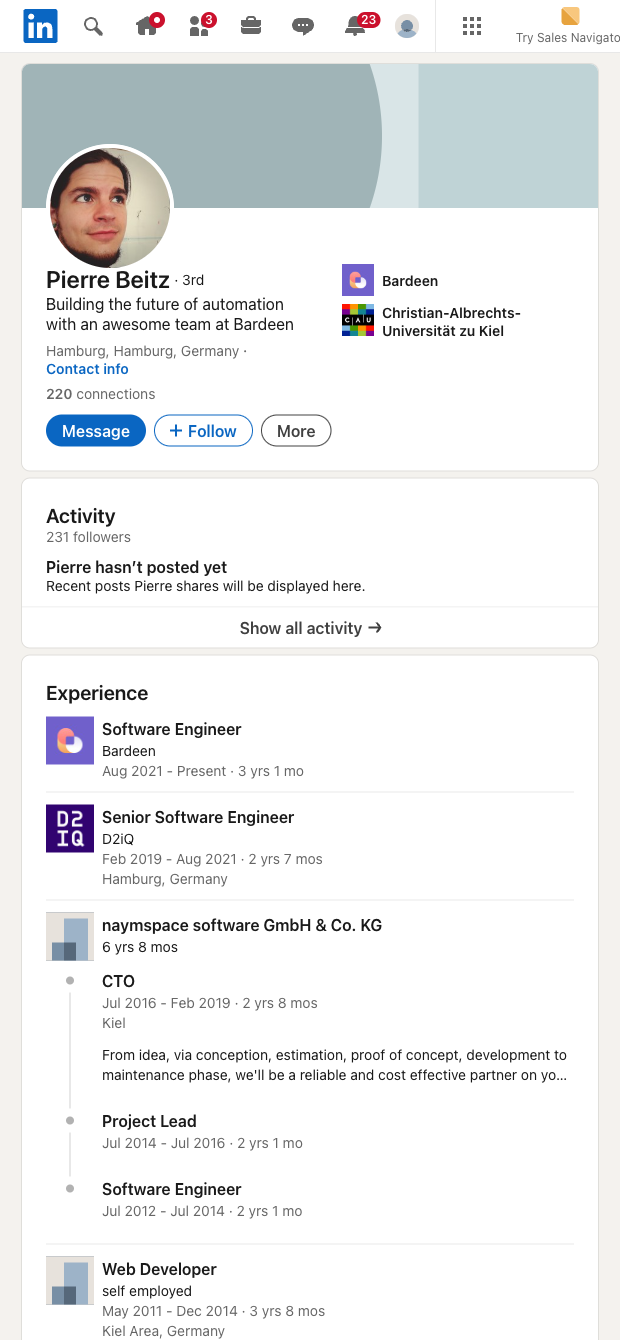

Who it’s for: SDRs and AEs building prospect lists, recruiters nurturing candidates, and founders or community managers growing strategic networks—globally. This template streamlines the routine step of following a LinkedIn user from any profile URL, so you can increase touchpoints, warm up outreach, and stay top-of-mind without manual clicks.
How it works and why it helps: Run it on a single profile or from a list of LinkedIn /in/ URLs to auto-follow targets, then pipe the follow event (with timestamp, profile URL, and your notes or campaign tags) to Google Sheets, Airtable, Notion, or your CRM. Combine with Bardeen’s AI to classify personas, prioritize prospects, or generate next-step tasks, and set automations to notify your team in Slack or create CRM follow-ups. You can also pair this with other LinkedIn scrapers to enrich records with profile or company context for better segmentation and outreach.
Maintained by Bardeen: This template is kept up to date to reflect LinkedIn changes, ensuring reliable performance and high-quality results over time.
With Bardeen, you can do much more than just web scraping. After extracting data from any website, use Bardeen’s powerful automation tools to validate and enrich your data, run additional scrapers on linked pages, or leverage AI to qualify leads and generate content automatically. Once your data is ready, you can easily export it to CSV, Google Sheets, Airtable, or Notion for further analysis and reporting.






SOC 2 Type II, GDPR and CASA Tier 2 and 3 certified — so you can automate with confidence at any scale.










