


Automate sending a LinkedIn message to any 1st-degree connection directly from their profile page. Ideal for SDRs, recruiters, and founders running targeted outreach, this template can use on-page profile context for personalization and log message status to your favorite destination. Maintained by Bardeen for reliable, up-to-date performance.
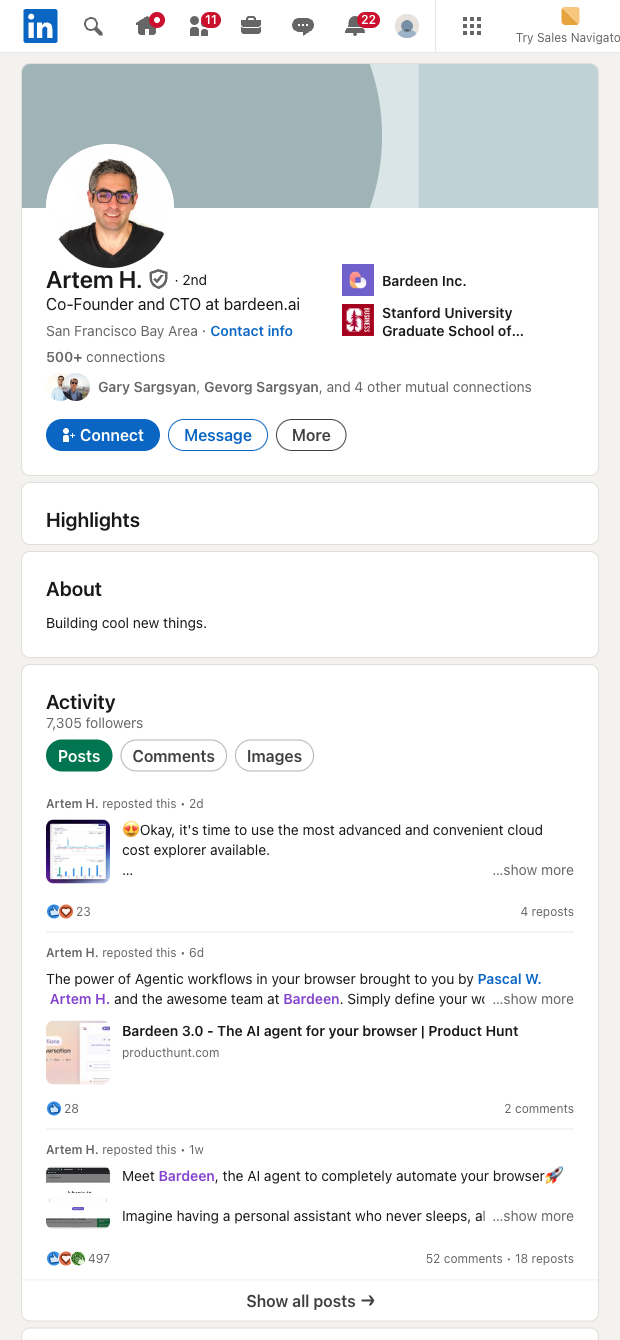

Who it's for: Sales development reps, recruiters, founders, and partnership teams who rely on LinkedIn for outreach globally. From any LinkedIn profile page, trigger a message to your 1st-degree connection in one click. Use visible profile context (e.g., name, headline, company) to personalize your note and automatically capture essentials like profile URL and message status in a structured table that you can send to Google Sheets, Airtable, Notion, or your CRM.
How to use it: Build a simple flow to open each profile URL, draft a tailored message with AI referencing their role or company, send with safe delays, and log outcomes. Enrich records, deduplicate contacts, summarize profiles, and route results to your pipeline tools. This is perfect for warm lead follow-ups, candidate outreach, account research, alumni networking, and event follow-up—without repetitive clicking. Always respect LinkedIn limits and your organization’s outreach policies.
Quality you can trust: This template is maintained and updated by Bardeen to adapt to LinkedIn UI changes, ensuring high reliability and the best-quality data for your workflows.
With Bardeen, you can do much more than just web scraping. After extracting data from any website, use Bardeen’s powerful automation tools to validate and enrich your data, run additional scrapers on linked pages, or leverage AI to qualify leads and generate content automatically. Once your data is ready, you can easily export it to CSV, Google Sheets, Airtable, or Notion for further analysis and reporting.






SOC 2 Type II, GDPR and CASA Tier 2 and 3 certified — so you can automate with confidence at any scale.










