


Capture the most recent LinkedIn message from any 1st-degree connection directly from their profile page, so sales teams, recruiters, and account managers can log last touchpoints, prioritize follow-ups, and sync context to Sheets, Airtable, Notion, or your CRM.
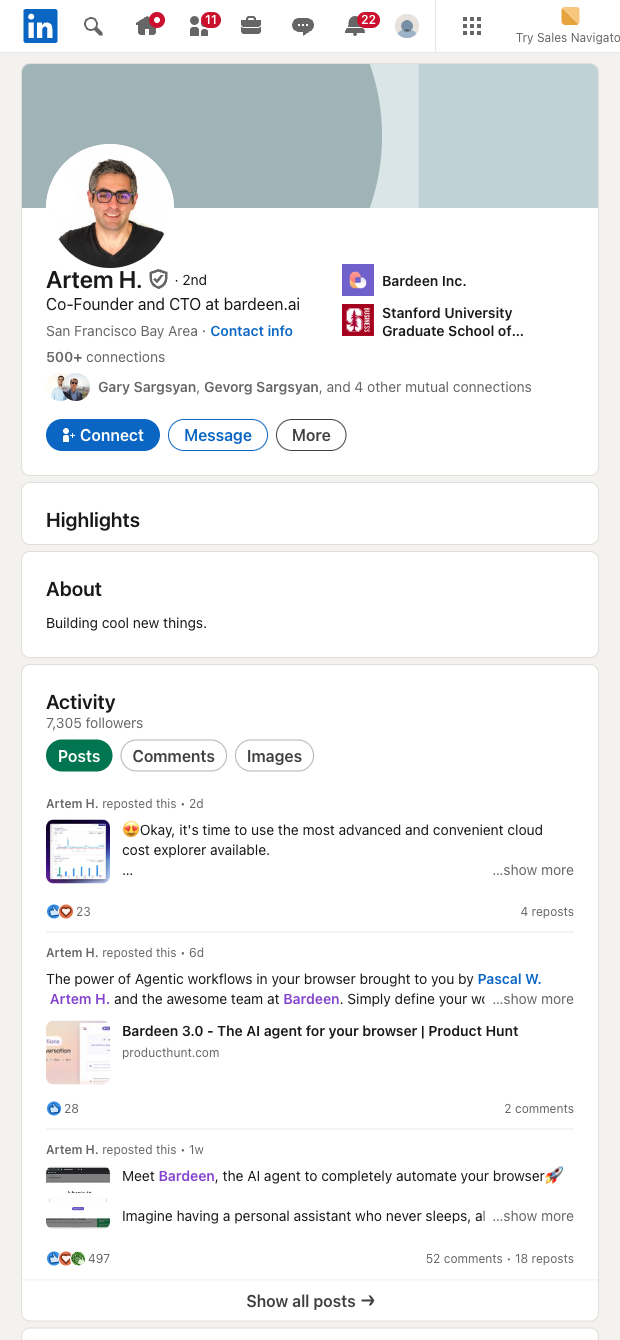

This template is ideal for SDRs/AEs, recruiters, founders, customer success, and business development professionals who live in LinkedIn globally. From a connection’s profile page, it extracts the latest message in your conversation thread along with key context (like timestamp and profile URL), giving you instant visibility into the most recent touchpoint without opening the full inbox.
Use the structured data to update your CRM or spreadsheets, compute days since last contact, trigger reminders, and ask AI to summarize the conversation or draft follow-ups. Enrich with company and role details, de-duplicate records, and build live views of stale accounts or candidates to focus outreach where it matters. This is especially useful for sales pipeline hygiene, recruiting pipelines, and customer account reviews.
Maintained and updated by Bardeen, this high-quality scraper is routinely checked to keep up with LinkedIn UI changes, ensuring reliable data for your workflows.
With Bardeen, you can do much more than just web scraping. After extracting data from any website, use Bardeen’s powerful automation tools to validate and enrich your data, run additional scrapers on linked pages, or leverage AI to qualify leads and generate content automatically. Once your data is ready, you can easily export it to CSV, Google Sheets, Airtable, or Notion for further analysis and reporting.






SOC 2 Type II, GDPR and CASA Tier 2 and 3 certified — so you can automate with confidence at any scale.







