


Extract clean, structured data from any LinkedIn job post and send it straight into Google Sheets, Airtable, Notion, or your ATS. Perfect for recruiters, sourcers, and talent ops who need accurate job details at scale for market research, candidate matching, and competitive analysis.
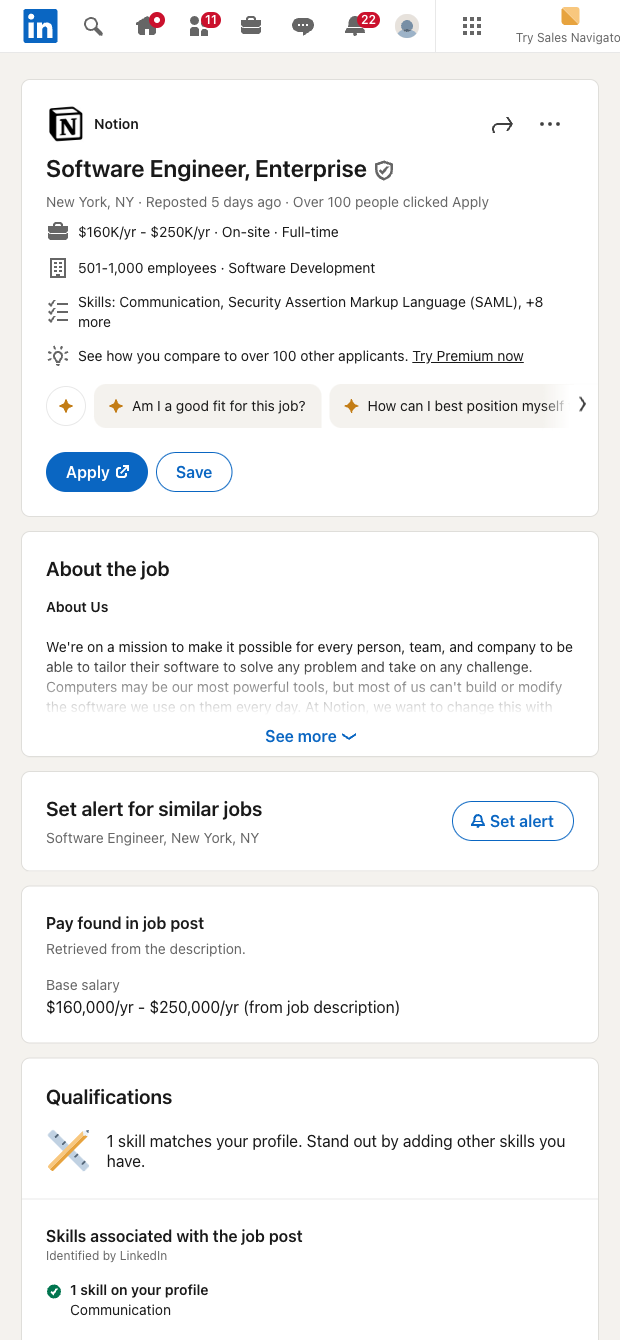

This LinkedIn job post scraper is built for recruiters, talent sourcers, HR teams, and staffing agencies who routinely review roles on LinkedIn and need a fast, reliable way to capture the essentials without copy-paste. Turn each job page into a structured row with the role information you care about (like title, company, location, description, and more), then export or sync to your favorite workspace for tracking and collaboration.
Use it to build live hiring pipelines and market maps, benchmark requirements across competitors, or ask AI to summarize responsibilities, extract required skills, highlight must-haves, and generate outreach snippets tailored to the role. Enrich company data, compute seniority tags, deduplicate roles, and push everything to Google Sheets, Airtable, Notion, or directly into your ATS to streamline intake and reporting.
This template is maintained and updated by Bardeen to keep up with LinkedIn changes, ensuring high-quality, dependable data for your workflows.
With Bardeen, you can do much more than just web scraping. After extracting data from any website, use Bardeen’s powerful automation tools to validate and enrich your data, run additional scrapers on linked pages, or leverage AI to qualify leads and generate content automatically. Once your data is ready, you can easily export it to CSV, Google Sheets, Airtable, or Notion for further analysis and reporting.






SOC 2 Type II, GDPR and CASA Tier 2 and 3 certified — so you can automate with confidence at any scale.









