


Scrape a company’s LinkedIn Jobs tab into a clean table—capturing job titles, company, posting URLs, job snippets, posted dates, and the “All jobs” link—so recruiters, talent sourcers, HR ops, and competitive intelligence teams can monitor openings, prioritize outreach, and export to Google Sheets, Airtable, or an ATS. Maintained by Bardeen for reliable, up-to-date results.
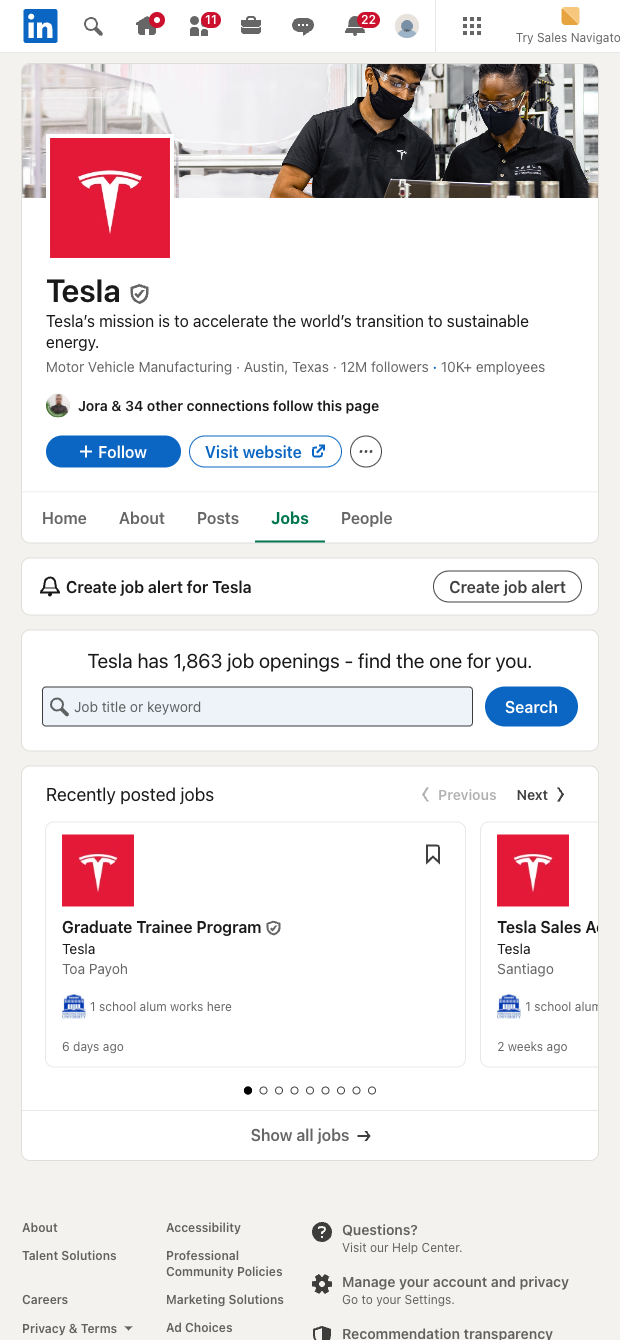

This template is built for talent acquisition teams, recruiters, HR operations, staffing agencies, and competitive research professionals who need fast, reliable access to a company’s live job openings on LinkedIn. It works on LinkedIn company and school pages globally, turning the Jobs tab into structured data you can search, filter, and share—perfect for building candidate pipelines, tracking competitor hiring, and spotting hiring signals at target accounts.
What you get: hiring position, company, job URL, details snippet, posted date, and the page’s “All jobs” URL. With Bardeen, you can enrich titles with AI (e.g., extract location, seniority, department), tag roles by keywords, compute counts by team or region, de-duplicate, and route results to Google Sheets, Airtable, Notion, Slack, or your ATS. Set up automations to refresh data, flag new roles, and keep stakeholders updated without manual copy-paste.
Quality you can trust: this scraper is maintained and updated by Bardeen to adapt to LinkedIn changes, ensuring high-quality, accurate data for your sourcing and market intelligence workflows.
With Bardeen, you can do much more than just web scraping. After extracting data from any website, use Bardeen’s powerful automation tools to validate and enrich your data, run additional scrapers on linked pages, or leverage AI to qualify leads and generate content automatically. Once your data is ready, you can easily export it to CSV, Google Sheets, Airtable, or Notion for further analysis and reporting.






SOC 2 Type II, GDPR and CASA Tier 2 and 3 certified — so you can automate with confidence at any scale.










