


Export your LinkedIn Company Page followers from the Admin Analytics > Followers tab into a clean table with name, headline, connection degree, profile image, follow date, and profile URL. Perfect for social media managers, B2B marketers, talent acquisition teams, and founders who want to qualify new followers, prioritize warm leads, and trigger reporting or outreach in tools like Google Sheets, Airtable, or a CRM.
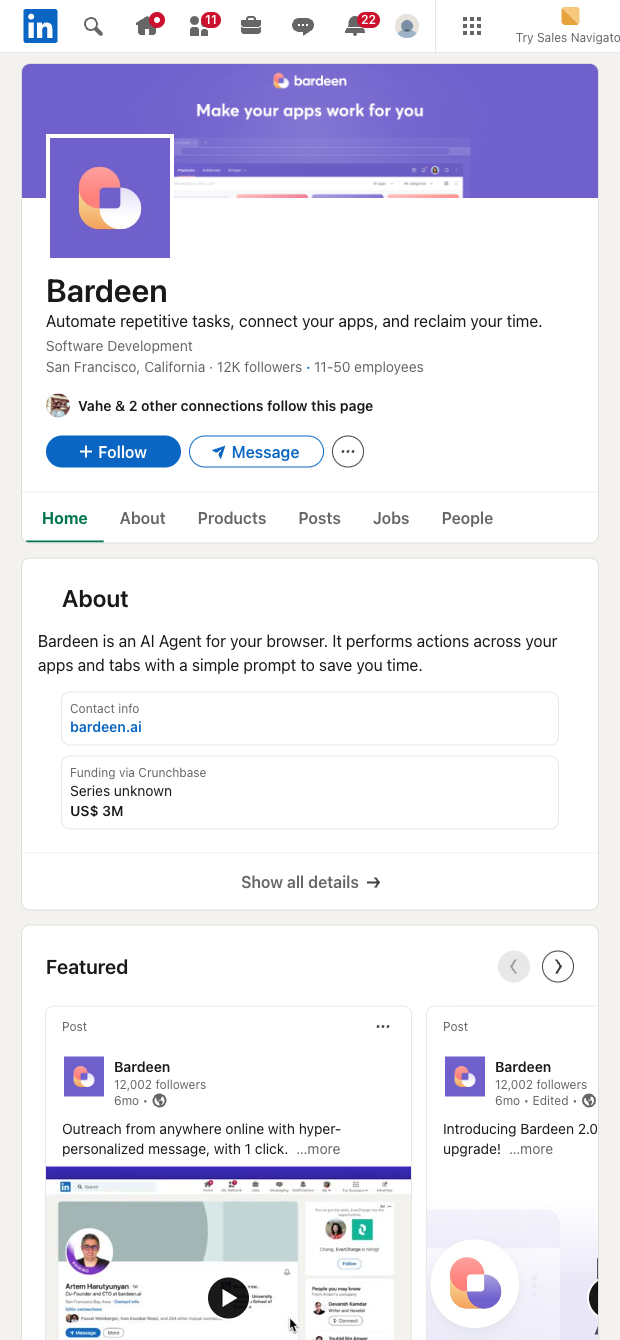

Who is this for? This LinkedIn followers scraper is designed for page admins—social media managers, B2B growth marketers, employer branding and recruiting teams, and founders—who need a fast, reliable way to export LinkedIn followers from the Admin Analytics Followers page. It captures Name, Headline, Connection degree, Profile image, Follow date, and Profile URL in seconds, giving global teams instant visibility into who’s engaging with their brand.
How you’ll use it: Segment followers by headline and connection degree to flag warm leads, partners, or candidates; compute weekly or monthly growth from the follow date; and export to Google Sheets or Airtable for dashboards. Enrich profiles, ask AI to classify function and seniority, score followers, deduplicate, and generate personalized outreach drafts. Create alerts for high-value followers and sync qualified lists to your CRM for timely follow-ups. (Access to the LinkedIn admin analytics followers page is required.)
Maintained by Bardeen: This template is built, maintained, and periodically updated by Bardeen to stay in sync with LinkedIn UI changes, ensuring high-quality, reliable data for your workflows.
With Bardeen, you can do much more than just web scraping. After extracting data from any website, use Bardeen’s powerful automation tools to validate and enrich your data, run additional scrapers on linked pages, or leverage AI to qualify leads and generate content automatically. Once your data is ready, you can easily export it to CSV, Google Sheets, Airtable, or Notion for further analysis and reporting.






SOC 2 Type II, GDPR and CASA Tier 2 and 3 certified — so you can automate with confidence at any scale.










