


Turn any LinkedIn Jobs search results page into a structured dataset. This LinkedIn job search scraper is built for recruiters, talent sourcers, and staffing agencies to extract job title, company, posting date, snippet, and direct job link—then export to Google Sheets, Airtable, or Notion to track openings, monitor competitors, and fuel targeted outreach globally.
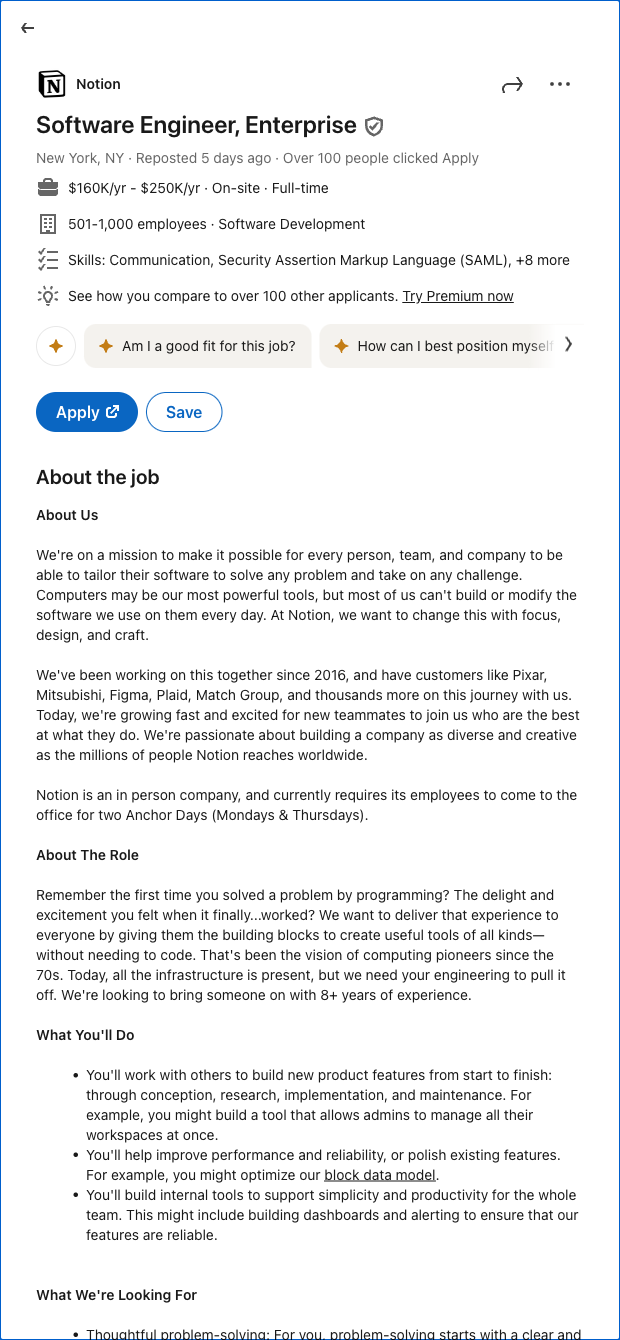

Who it's for: Talent acquisition teams, in-house recruiters, and staffing agencies who need fast, reliable visibility into live hiring signals on LinkedIn across roles, companies, and regions. Use it to monitor competitors’ openings, build prospect lists for hard-to-fill roles, and keep your recruiting pipeline up to date.
How it helps: Paste any LinkedIn Jobs search URL (with your filters applied) and automatically capture Hiring position, Company, Date, Details (snippet), and the job Link. Send results to Sheets, Airtable, or Notion, then enrich with firmographics, tag by priority or location, deduplicate, summarize role snippets with AI, and trigger follow-up workflows. Common use cases include weekly talent market scans, competitor hiring trackers, and building outreach lists for BD or candidate sourcing—at global scale.
Quality you can trust: This template is maintained and updated by Bardeen to adapt to LinkedIn changes, ensuring high-quality, reliable data for your workflows.
With Bardeen, you can do much more than just web scraping. After extracting data from any website, use Bardeen’s powerful automation tools to validate and enrich your data, run additional scrapers on linked pages, or leverage AI to qualify leads and generate content automatically. Once your data is ready, you can easily export it to CSV, Google Sheets, Airtable, or Notion for further analysis and reporting.






SOC 2 Type II, GDPR and CASA Tier 2 and 3 certified — so you can automate with confidence at any scale.







