


Extract the LinkedIn groups listed on any profile—including group name, group URL, and member count—to see which communities your prospects, candidates, or partners engage with. Ideal for SDRs/BDRs, recruiters, partnership and community marketers, this template turns a profile’s Groups section into structured data you can analyze, enrich with AI, and send to Sheets, Airtable, Notion, or your CRM for outreach personalization and targeting. Maintained by Bardeen for reliable, up-to-date scraping.
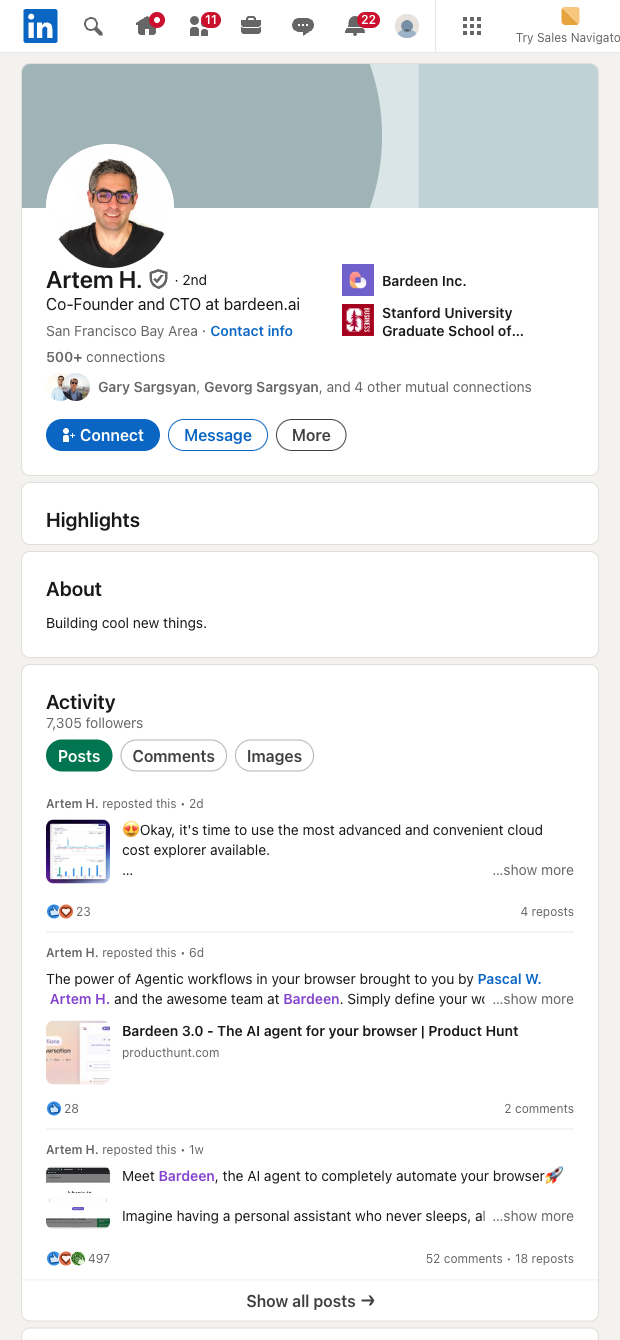

This LinkedIn profile groups scraper is built for sales prospectors, recruiters, partnership managers, and community marketers who need to quickly understand a person’s community affiliations. By capturing group name, URL, and member count, you can identify shared communities to reference in outreach, spot niche groups your audience actually follows, and prioritize high-signal communities for campaigns. It’s suitable for global teams working across regions where LinkedIn is active.
Use it to generate a list of groups from any profile, then enrich and act on the data directly in Bardeen. Segment prospects by common groups, rank groups by member count, find overlaps across multiple profiles, and create AI-assisted outreach snippets that reference relevant communities. Filter out low-signal groups, de-duplicate records, and send everything to Google Sheets, Airtable, Notion, or your CRM for scalable research and reporting.
This template is maintained and updated by Bardeen to keep pace with LinkedIn changes, ensuring high-quality, dependable data for your workflows.
With Bardeen, you can do much more than just web scraping. After extracting data from any website, use Bardeen’s powerful automation tools to validate and enrich your data, run additional scrapers on linked pages, or leverage AI to qualify leads and generate content automatically. Once your data is ready, you can easily export it to CSV, Google Sheets, Airtable, or Notion for further analysis and reporting.






SOC 2 Type II, GDPR and CASA Tier 2 and 3 certified — so you can automate with confidence at any scale.







