


Web scraping is a powerful technique for extracting data from multiple web pages, and Python is a popular language for this task. In this step-by-step guide, we'll walk you through the process of scraping data from multiple web pages using Python. We'll cover setting up your environment, using libraries like BeautifulSoup and Selenium, and explore advanced techniques to handle complex scraping scenarios.
Web scraping is the process of extracting data from websites. It's a powerful technique for gathering information from multiple web pages into a structured format like a spreadsheet or database. Python is a popular programming language for web scraping due to its extensive libraries and ease of use.
Key Python libraries for web scraping include:
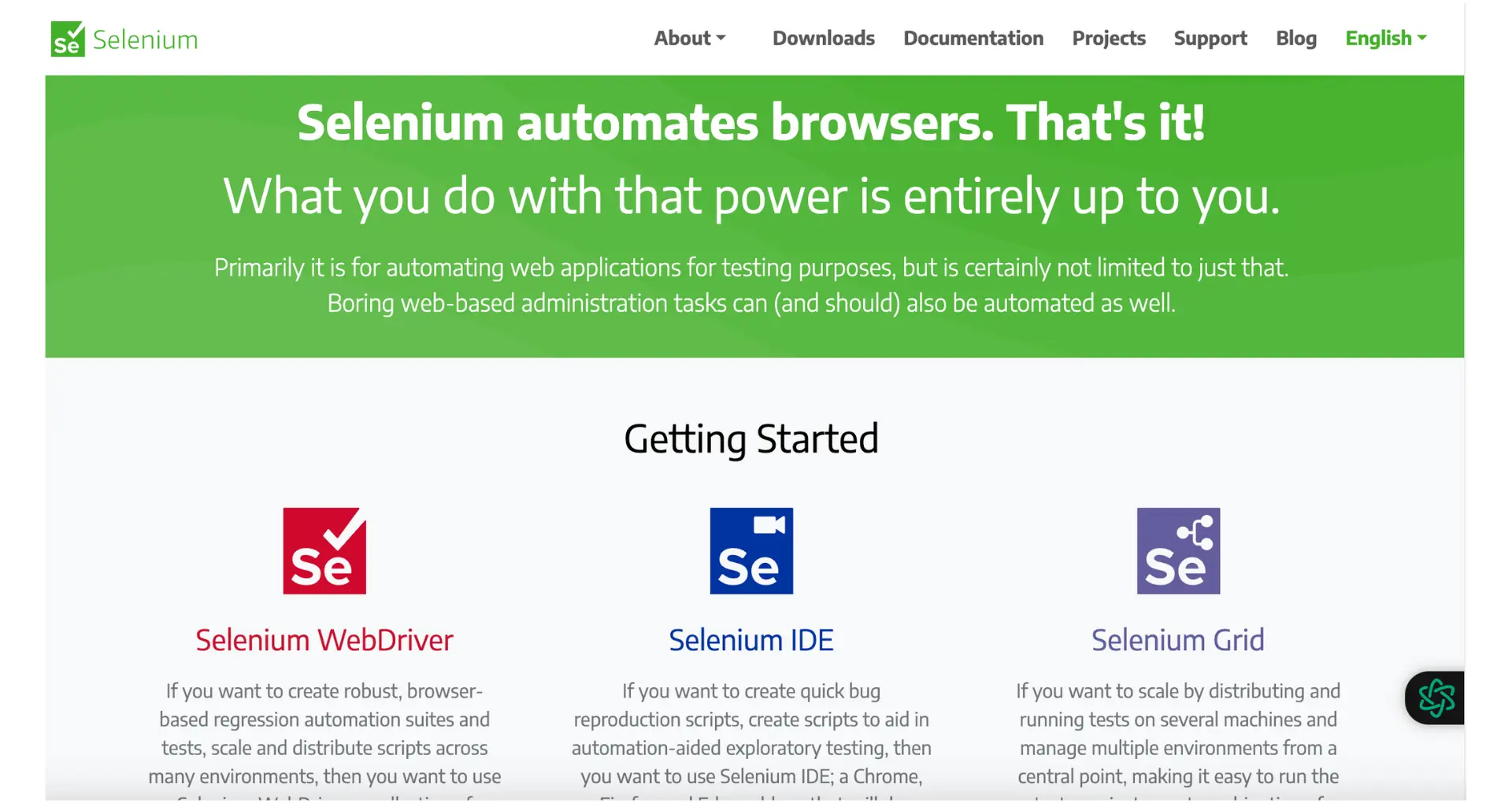
These libraries make it simple to fetch website content and extract the desired data. With web scraping tools, you can collect large amounts of data from multiple pages to analyze trends, monitor competitors, generate leads, and more.
To start web scraping with Python, you need to set up your environment with the necessary tools and libraries. Here's a step-by-step guide:
python -m venv myenvsource myenv/bin/activate (Linux/Mac)myenv\Scripts\activate (Windows)pip install requests beautifulsoup4 lxml
With these steps completed, you're ready to start writing your Python web scraping code. In the next section, we'll dive into extracting data from web pages using these powerful libraries.
Save time and focus on coding by using Bardeen playbooks to automate data extraction tasks.
To scrape data from a single web page using Python, you can use the BeautifulSoup library along with the requests library. Here's how:
page = requests.get('https://example.com')soup = BeautifulSoup(page.content, 'html.parser')<a> tags:links = soup.find_all('a')To scale up and scrape data from multiple pages, you can handle pagination or dynamically generated URLs:
Here's an example of scraping multiple pages using pagination:
base_url = 'https://example.com/page/'
for page_num in range(1, 11):
  url = base_url + str(page_num)
  page = requests.get(url)
  soup = BeautifulSoup(page.content, 'html.parser')
  # Extract data from the current page
  # ...
By iterating through the page numbers and making requests to each URL, you can scrape data from multiple pages efficiently.
When scraping more complex websites, you may encounter challenges like JavaScript-rendered content or the need to crawl multiple pages. Here are some advanced techniques to handle these scenarios:
Some websites heavily rely on JavaScript to dynamically load content, making it difficult to scrape using traditional methods. Selenium, a web automation tool, can help overcome this hurdle. With Selenium, you can:
Here's a simple example of using Selenium with Python:
from selenium import webdriver
driver = webdriver.Chrome()
driver.get("https://example.com")
rendered_html = driver.page_source
# Parse the rendered HTML using BeautifulSoup or other libraries
When scraping large websites or multiple pages, Scrapy, a powerful web crawling framework, can simplify the process. Scrapy provides:
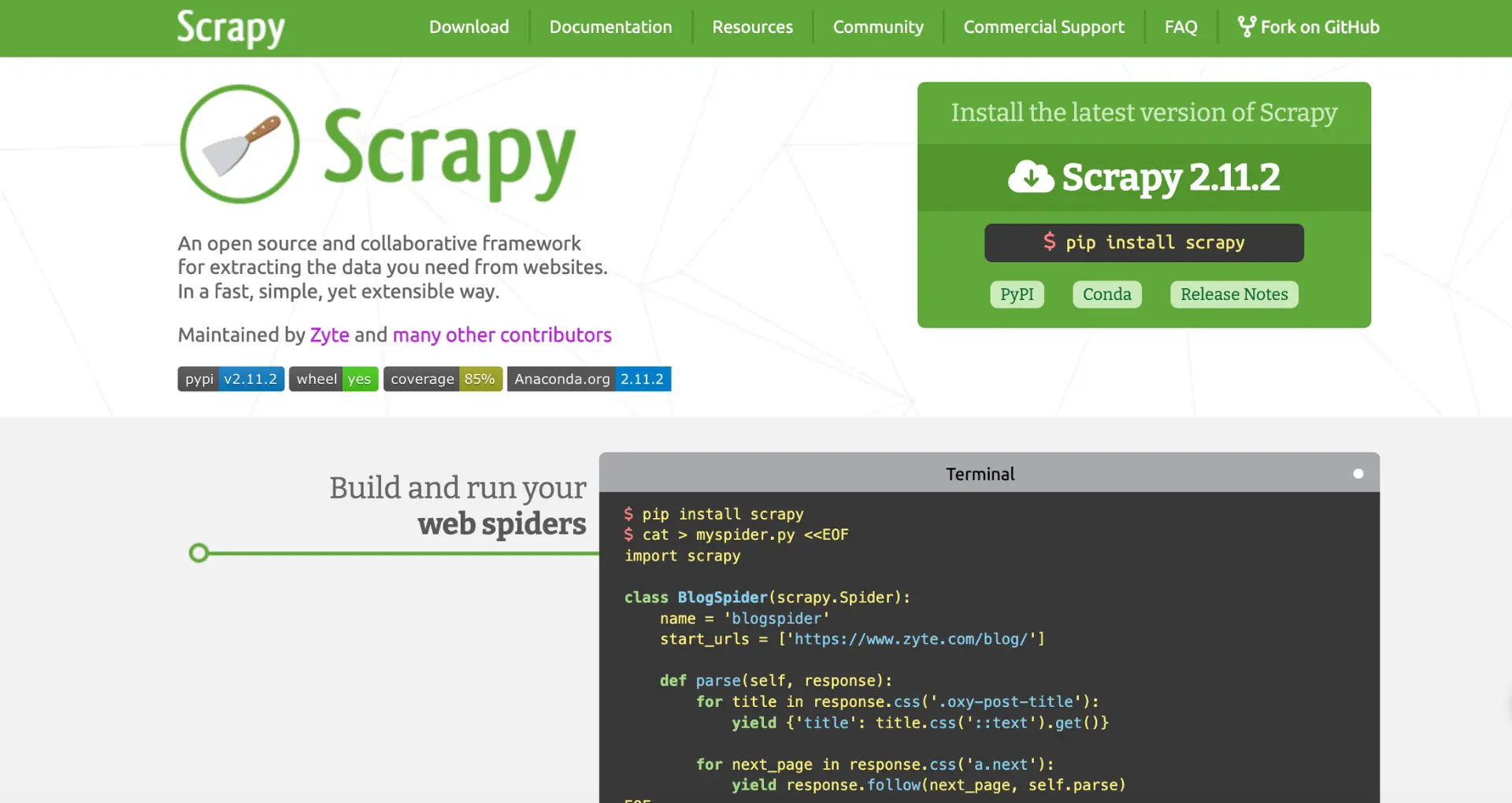
Here's a basic Scrapy spider example:
import scrapy
class MySpider(scrapy.Spider):
  name = "myspider"
  start_urls = ["https://example.com"]
  def parse(self, response):
    # Extract data from the current page
    # Follow links to other pages
    for link in response.css("a::attr(href)"):
      yield response.follow(link, self.parse)
By leveraging Selenium for JavaScript-rendered content and Scrapy for efficient crawling, you can tackle more advanced web scraping tasks in Python.
Save time and focus on coding by using Bardeen playbooks to automate data extraction tasks.
When scraping data from websites, it's crucial to adhere to best practices and legal guidelines to ensure ethical and respectful data extraction. Here are some key considerations:
Always check the website's robots.txt file, which specifies the rules for web crawlers. Respect the directives outlined in this file, such as disallowed pages or crawl delay requirements. Ignoring robots.txt can lead to legal issues and IP blocking.
Avoid overloading websites with excessive requests. Implement rate limiting in your scraper to introduce delays between requests. This prevents your scraper from being mistaken for a denial-of-service attack and ensures a respectful crawling pace.
Web scraping can have legal implications, depending on the jurisdiction and the nature of the scraped data. Some key legal aspects to consider:
To mitigate legal risks, consult with legal professionals and establish a clear data collection policy that outlines ethical guidelines for web scraping within your organization.
By following best practices and considering the legal implications, you can ensure that your web scraping efforts are conducted in an ethical and compliant manner.








SOC 2 Type II, GDPR and CASA Tier 2 and 3 certified — so you can automate with confidence at any scale.







