Web scraping is a powerful technique that allows you to extract data from websites, enabling you to gather valuable information for research, analysis, or business purposes. In this comprehensive guide, we'll walk you through the step-by-step process of scraping data from a website using Python and popular libraries like Beautiful Soup and Selenium. Whether you're a beginner or an experienced developer, this guide will equip you with the knowledge and tools necessary to tackle web scraping projects effectively.
Web scraping is the process of automatically extracting data from websites using software or scripts. It differs from data mining, which involves analyzing large datasets to uncover patterns and insights. Before diving into web scraping, it's crucial to understand the legal and ethical implications involved.
When scraping data from websites, you must respect the website's terms of service and robots.txt file, which outline what data can be scraped and how frequently. Scraping copyrighted or sensitive information without permission is illegal and unethical. It's essential to use scraped data responsibly and give credit to the original source when applicable.
Some key points to keep in mind:
By understanding these basic principles, you can ensure that your web scraping activities are legal, ethical, and respectful of website owners' rights.
To get started with web scraping without code, you'll need to set up your environment with the right tools and software. Here's what you'll need:
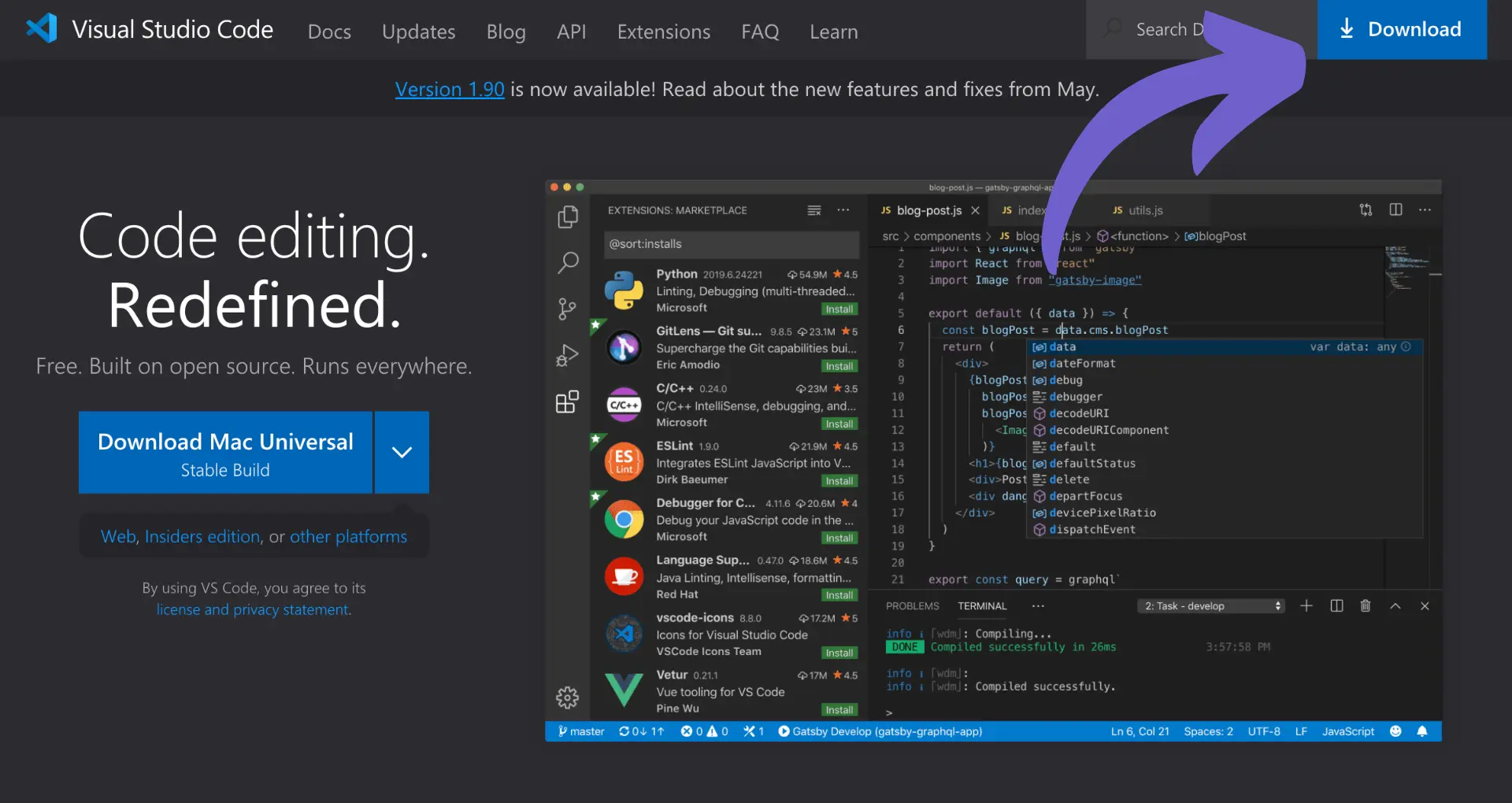
First, make sure you have Python installed on your computer. You can download it from the official Python website. Next, you'll want to set up an integrated development environment (IDE) to write and run your Python code. Some popular choices include:
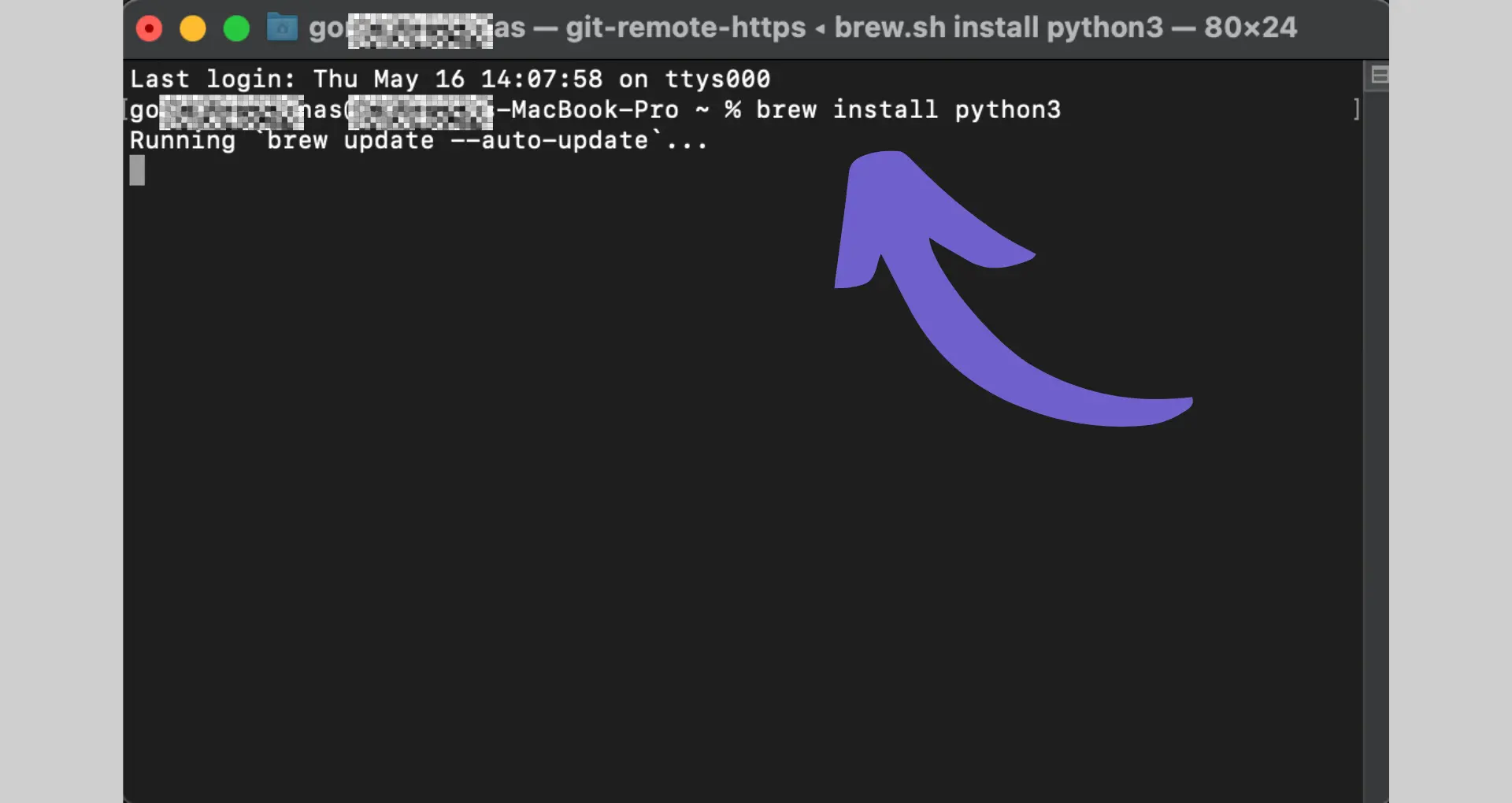
Once you have your IDE set up, you can install the necessary libraries. Open a terminal or command prompt and run the following commands:
pip install beautifulsoup4
pip install selenium
These commands will download and install Beautiful Soup and Selenium, respectively. You may also need to install a web driver for Selenium, such as ChromeDriver for Google Chrome or GeckoDriver for Mozilla Firefox.
With your environment set up, you're ready to start writing web scraping scripts in Python. In the next section, we'll dive into how to use Beautiful Soup to extract data from websites.
Save time and automate your work with Bardeen's web scraping tools.
Beautiful Soup is a powerful Python library for parsing HTML and XML documents. It allows you to extract specific data points from web pages, such as headers, paragraphs, and links. Here's how to use Beautiful Soup for data extraction:
pip install beautifulsoup4 in your terminal.from bs4 import BeautifulSoup.soup = BeautifulSoup(page.content, 'html.parser').find() and find_all() to locate specific elements in the parsed HTML.For example, to find all \u003cp\u003e elements with a specific class:
paragraphs = soup.find_all('p', class_='example-class')
You can also search for elements by ID or other attributes:
headline = soup.find(id='main-headline')
Once you've located the desired elements, access their text content or attributes:
paragraph_text = paragraph.get_text()
link_url = link['href']
By chaining these methods together, you can navigate complex HTML structures and extract the data you need. Beautiful Soup provides a simple yet effective way to parse and extract data from web pages.
Save time by using Bardeen's web scraper to automate your data extraction process.
Selenium is a powerful tool for scraping dynamic websites where content is loaded with JavaScript. It automates browser actions to mimic human interaction and scrape complex data. Here's how to use Selenium for advanced web scraping:
pip install selenium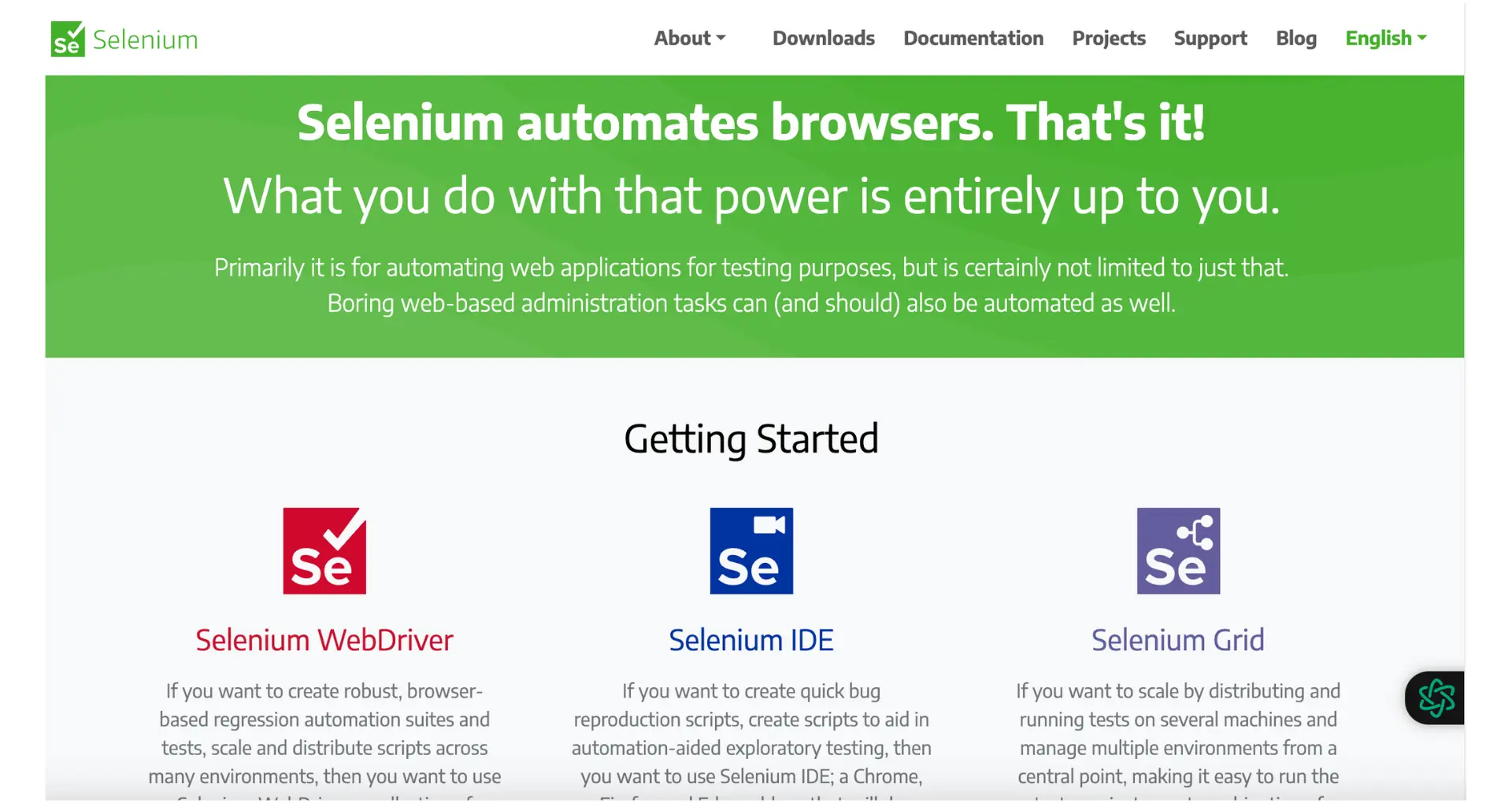
from selenium import webdriver
from selenium.webdriver.common.by import By
from selenium.webdriver.support.ui import WebDriverWait
from selenium.webdriver.support import expected_conditions as EC
Create a new instance of the web driver:
driver = webdriver.Chrome()
Navigate to the target website:
driver.get("https://example.com")
Interact with dynamic elements:
driver.find_element(By.CSS_SELECTOR, "button.class").click()driver.find_element(By.ID, "input-id").send_keys("text")element = WebDriverWait(driver, 10).until(EC.presence_of_element_located((By.ID, "element-id")))elements = driver.find_elements(By.CSS_SELECTOR, "div.class")
for element in elements:
data = element.text
print(data)
Close the browser when done:
driver.quit()
By automating browser actions with Selenium, you can scrape dynamic websites that heavily rely on JavaScript to load content. This allows you to extract data from complex targets like infinite scroll pages, drop-down menus, and interactive elements.
After scraping data from a website, it's essential to clean, organize, and export the data for further analysis or use. Here's how to handle scraped data using Python libraries and export the results:
Use Python libraries like Pandas for efficient data cleaning:
import pandas as pd df = pd.DataFrame(scraped_data) df['column'] = df['column'].str.strip() df['column'] = pd.to_numeric(df['column'], errors='coerce')
Use Pandas DataFrames to organize and manipulate the data:
df = pd.DataFrame(scraped_data, columns=['column1', 'column2', 'column3']) df = df.drop_duplicates() df = df.sort_values('column1')
Export to CSV:
df.to_csv('output.csv', index=False)
Export to JSON:
df.to_json('output.json', orient='records')
Export to Excel:
df.to_excel('output.xlsx', index=False)
By cleaning, organizing, and exporting scraped data using Python libraries like Pandas, you can ensure that the data is in a usable format for further analysis, visualization, or integration with other systems.
Save time and focus on important work while automating the rest with Bardeen. Try our task automation playbooks.
Web scraping can present various challenges, but with the right techniques and tools, you can overcome them. Here are some common issues and their solutions:

Other tips to prevent getting blocked include:
By addressing these common challenges, you can build robust and reliable web scrapers that can handle various scenarios and ensure smooth data extraction.








SOC 2 Type II, GDPR and CASA Tier 2 and 3 certified — so you can automate with confidence at any scale.