


In this article, we will explore the top native Airtable integrations and third-party automation platforms that can supercharge your productivity and unlock the full potential of Airtable.
Airtable is a robust cloud-based database and collaboration tool known for its flexibility and ease of use. It also has integrations with various third-party apps, bringing your most-used apps into Airtable and streamlining your workflow.
Here are the top eight native integrations in Airtable.
Best for: Importing events
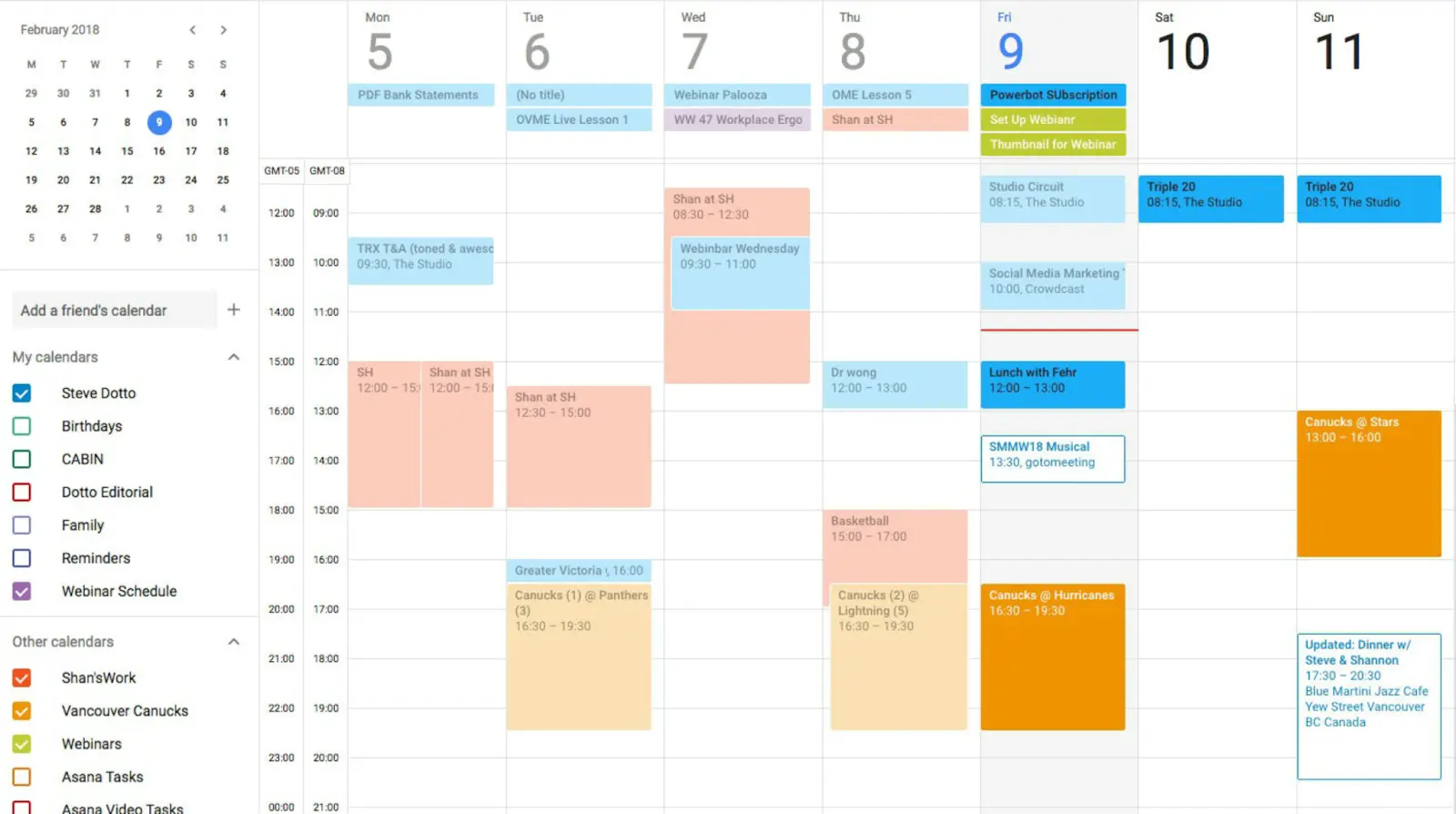
The Google Calendar integration allows you to sync your Google Calendar events with Airtable. This makes it easy to keep track of your events and collaborate with others on your calendar. You can also create new Google Calendar events from within Airtable and update existing ones.
Bardeen also has an integration with Google Calendar. Here is an automation:
Check this article for more Google Calendar automations.
Best for: Consolidating Google Drive data in Airtable
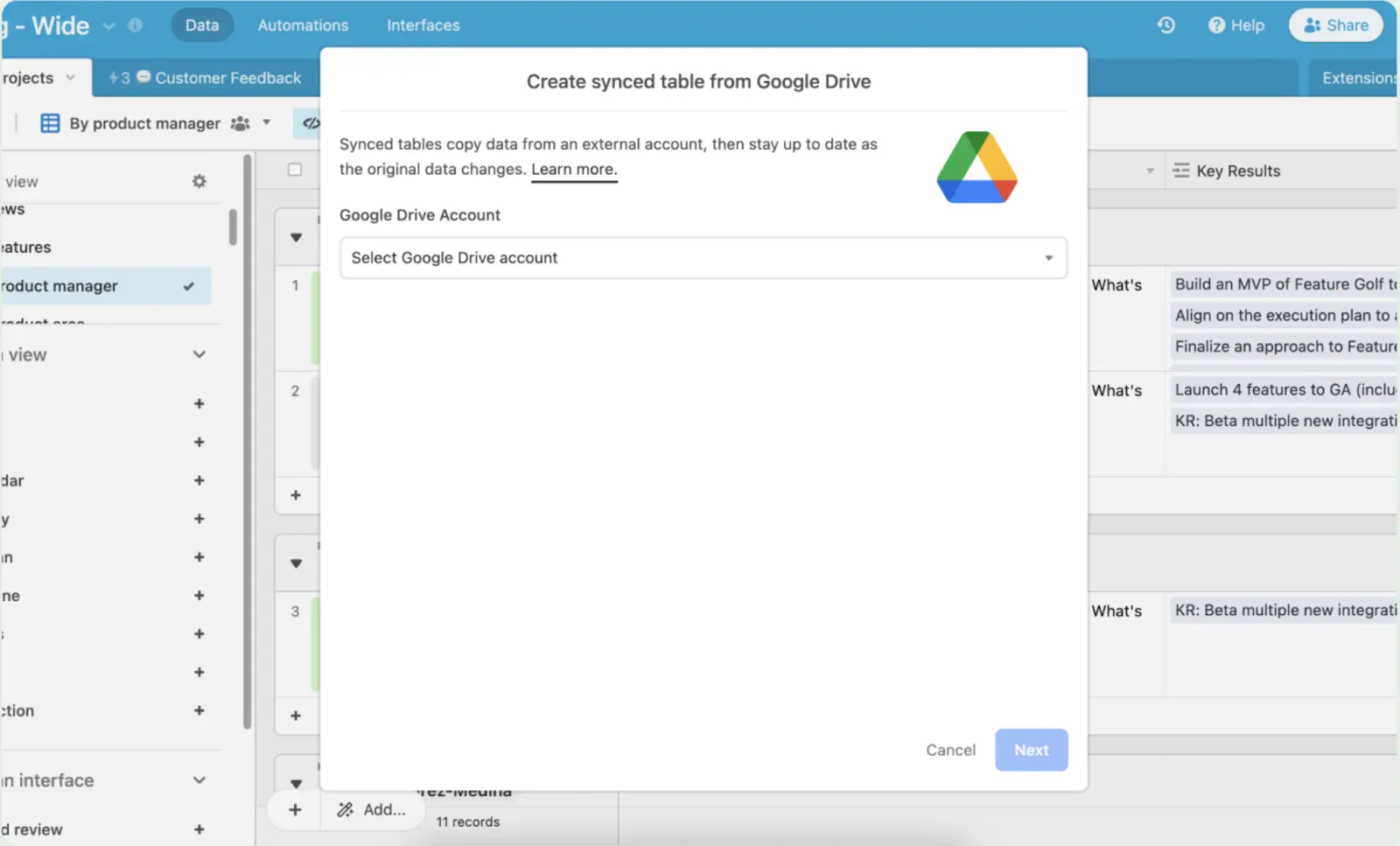
The Google Drive integration makes it simple to store and manage files in Google Drive and link files to records in your Airtable bases. To learn more about how to set up this integration, see this Airtable support page.
Fortunately, Bardeen is also integrated with Google Drive! Here are a few automations.
Visit this page for more Google Drive automations.
Best for: Importing data from Salesforce
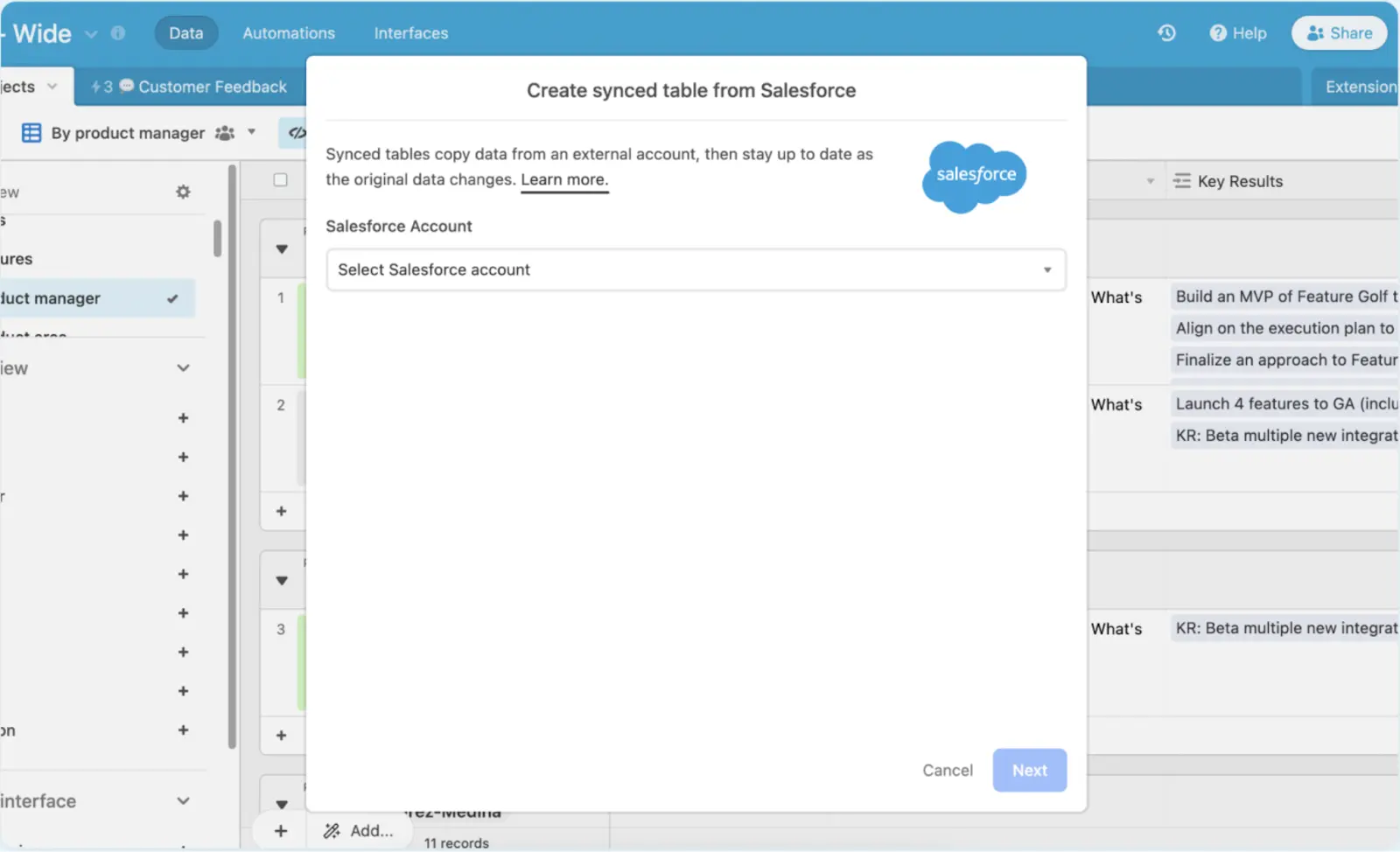
With the Salesforce integration, you can bring contacts, leads, accounts, and opportunities from Salesforce to Airtable and use it to power automations. This can help you streamline your sales process, improve customer service, and get more insights from your data. For more details about how to set up this integration, check this Airtable support page.
Here’s the good news: Bardeen is also integrated with Salesforce. Here are a few helpful automations.
Check this page for more Salesforce automations in Bardeen.
Best for: Organizing customer support tasks
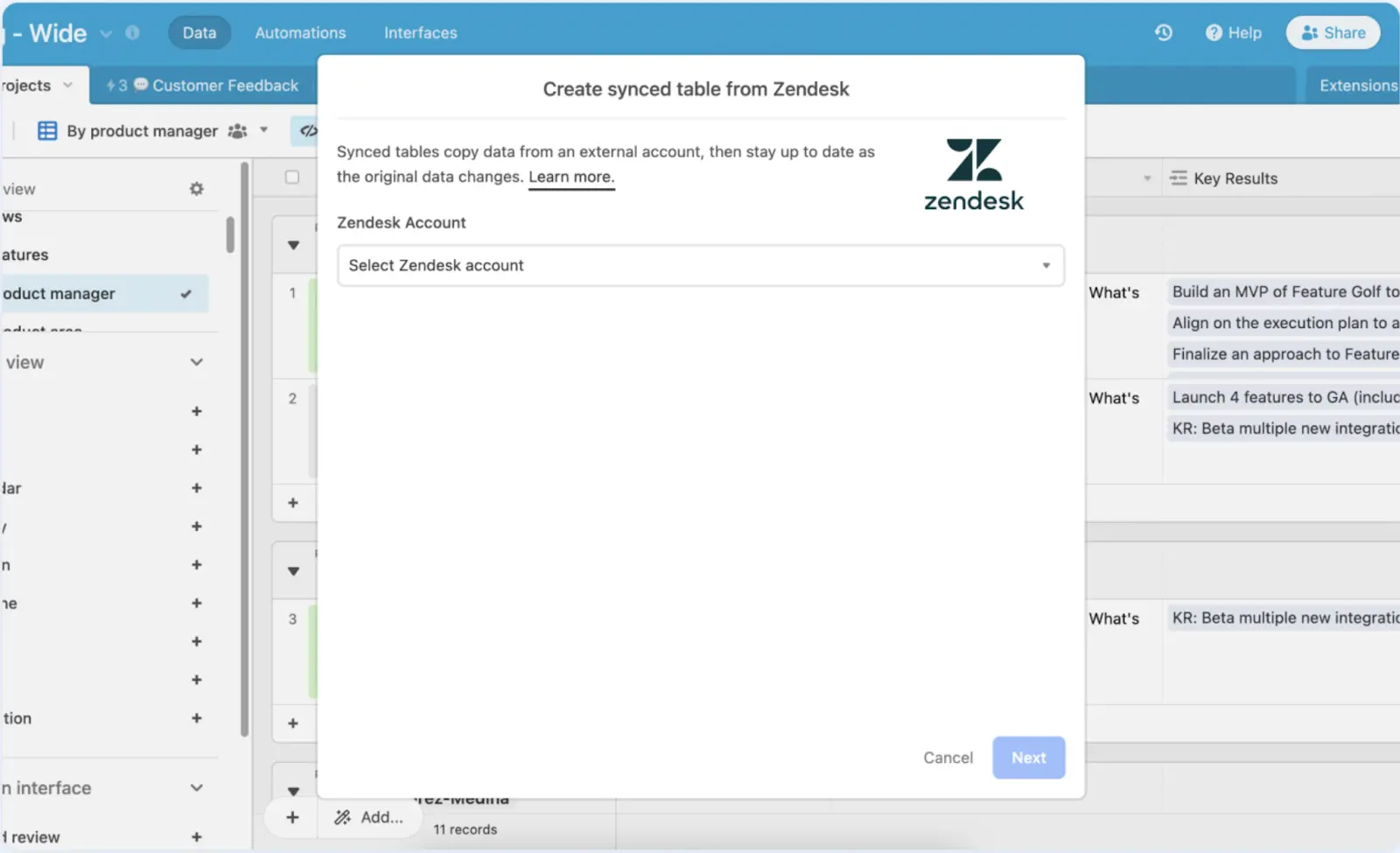
Want to consolidate your customer support data? The Zendesk integration enables you to add new Zendesk tickets to Airtable and create Zendesk tickets from an Airtable base or form.
For more details, check this Airtable support page.
Best for: Adding attachments from Box to Airtable
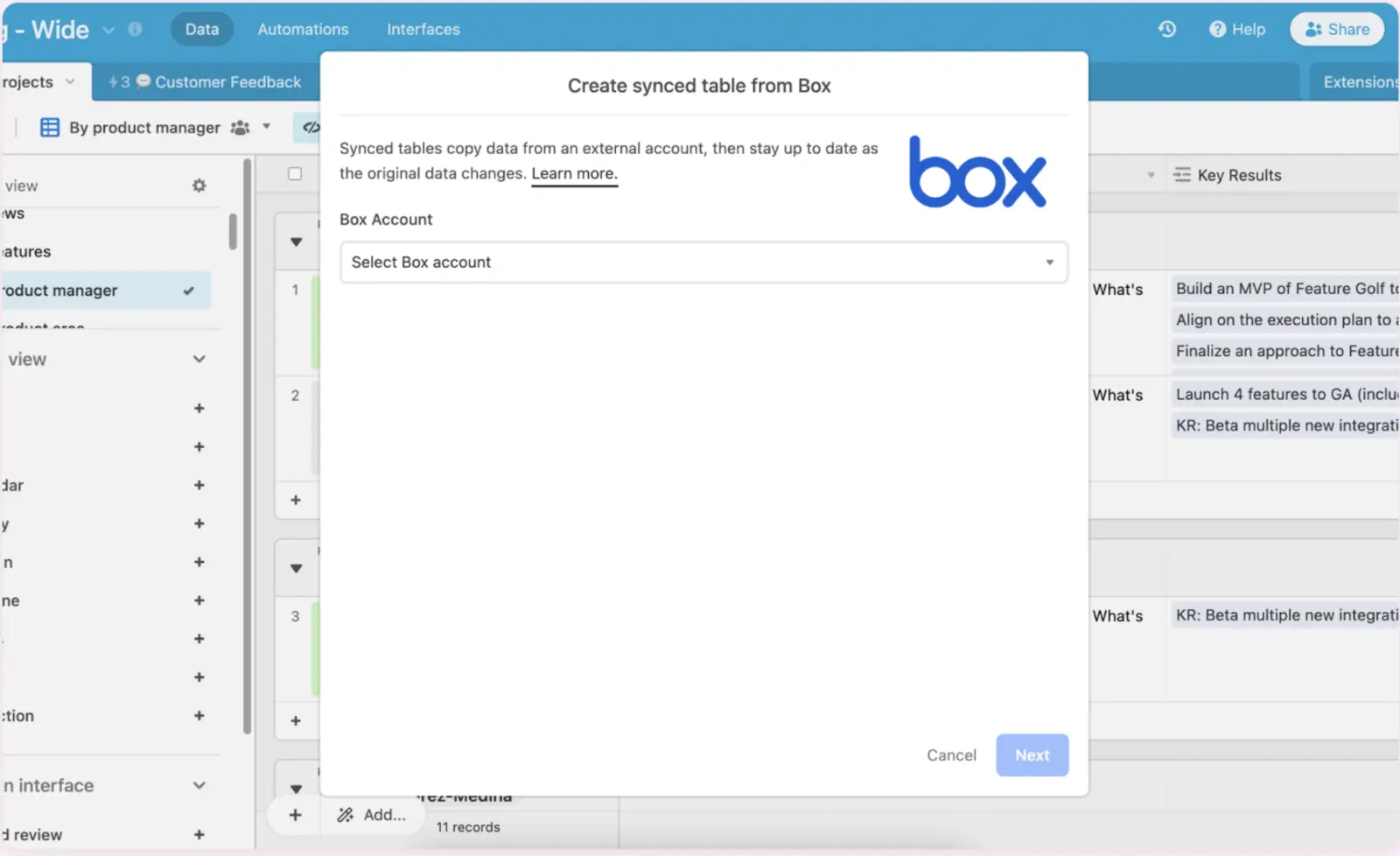
The Box integration allows you to easily organize and share links to your Box documents in Airtable. This integration can help you to streamline your workflow and keep your data organized and up-to-date.
Check this Airtable support page to learn more.
Best for: Syncing social media data
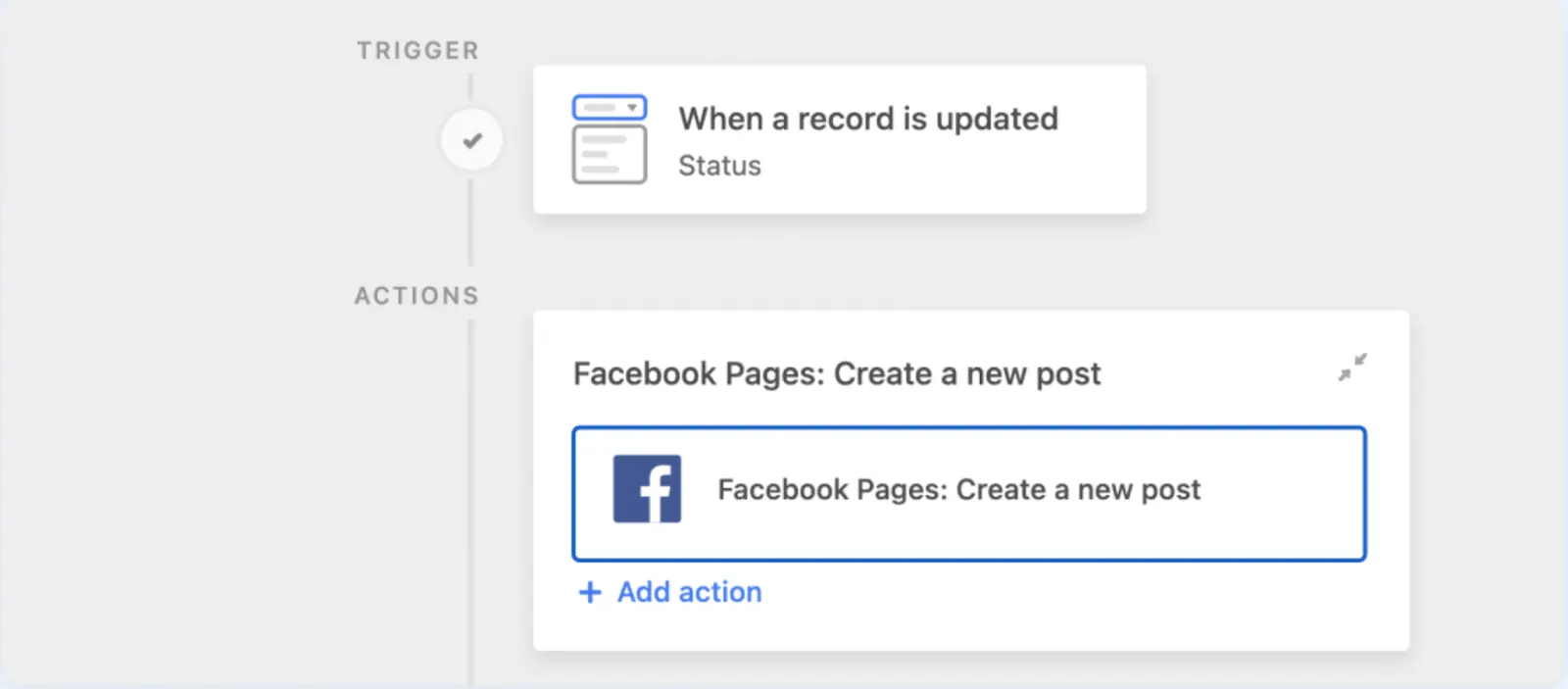
The Facebook integration enables you to manage your company’s profile or page with Airtable. To learn more about what you can do with this integration, check this Airtable support page.
Besides many other social media platforms, Bardeen is also integrated with Facebook. Here are three Facebook automations.
For more Facebook automations, check the integration page.
Best for: Tracking software development

The GitHub integration provides the best way to sync data between Airtable and GitHub. It allows you to perform many tasks, like adding new Airtable records to Github as issues and adding new Github pull requests to an Airtable base. To learn more, check this Airtable support page.
You can also use Bardeen to automate your GitHub and Airtable workflow. Here are some prebuilt automations for that.
For more such time-saving automations, check the GitHub integration page.
Best for: Keeping your team updated about changes in Airtable, streamline airtable slack notifications.
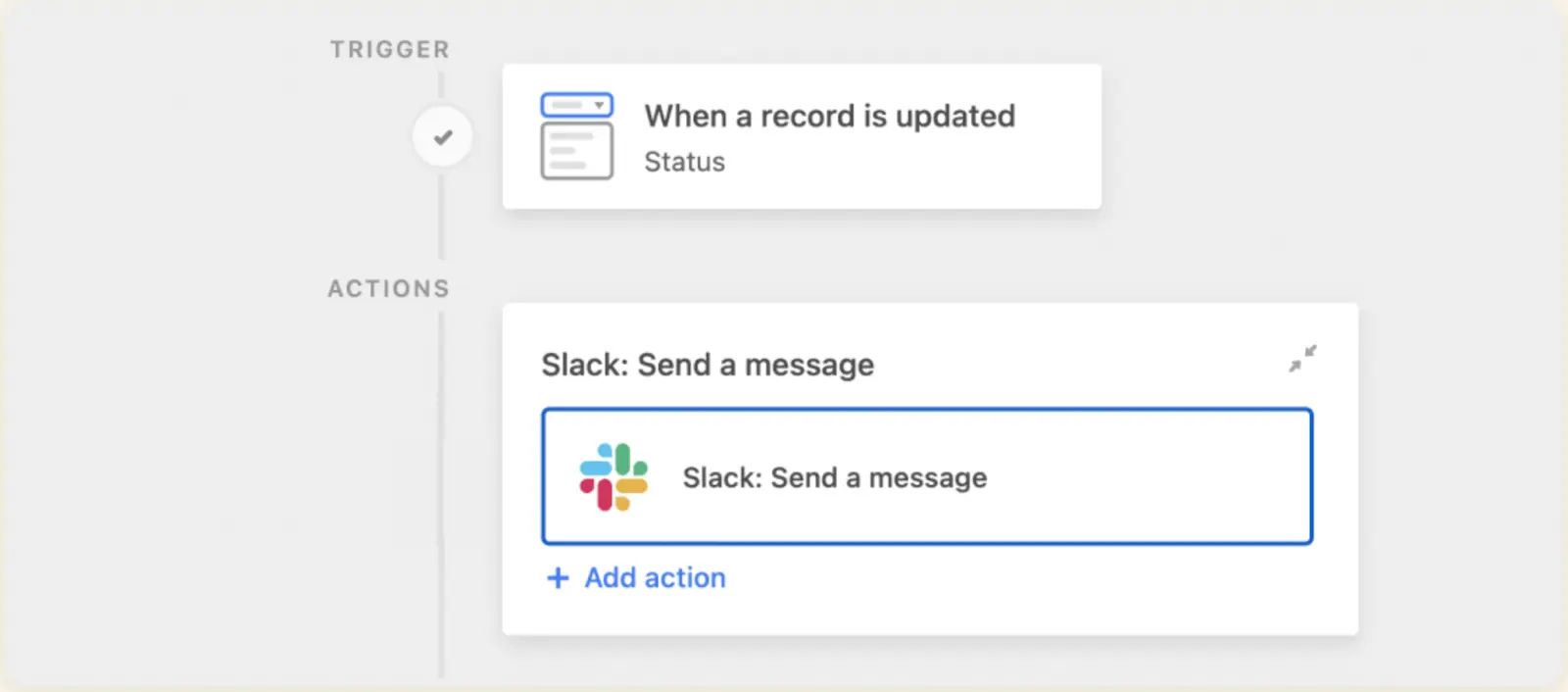
The Slack integration allows you to receive notifications in Slack when people make updates in Airtable. This helps your team stay coordinated and efficient by keeping everyone up-to-date on the latest changes. To learn how to set up this integration, check this Airtable support page.
Beyond this, you can also use Bardeen to automate other tasks in Slack. Here are a few prebuilt automations.
For more automations, check the Slack integration page.
For apps you want to connect with Airtable but aren’t integrated natively, you can use an automation platform like Bardeen or Make, which lets you connect Airtable with many other apps.
Bardeen is an AI-powered workflow automation extension in Chrome. In addition to Airtable, it’s integrated with over fifty apps, many of which aren’t integrated with Airtable natively, like Mailchimp, ClickUp, and Google Sheets. Let’s discuss a few Airtable automations below.
With this automation, you can transfer products (and also tickets, deals, and contacts) from HubSpot to Airtable. It streamlines data synchronization, enabling you to maintain up-to-date product information across platforms.
This automation copies tasks from Asana to Airtable. Say adieu to manual data entry and embrace a seamless integration between Asana and Airtable with this time-saving automation.
Stumbled across an interesting Twitter thread? This automation extracts it, uses AI to condense its essence into a concise summary, and stores it in Airtable. You can also get data from Twitter profile links and save them to Airtable.
This automation can come in handy whenever you want to save a website for later referral. It extracts keywords and a summary from a webpage and saves it to Airtable.
Suppose you receive an email about an issue or complaint from a customer. In that case, this automation will automatically copy that email to Airtable, where the relevant teams can take a look at it. You can also do the same for emails with a positive sentiment!
We hope you loved the above automations. For more prebuilt automations to streamline your business process, check out the pages for meetings, recruiting, and marketing.
Of course, you’re not limited to the prebuilt automations. You can also leverage all integrations and create custom automations based on your requirements. This is simple and intuitive with Magic Box: type out your automation in plain English, and it’s done! To learn more, visit our AI page.
Although Airtable is a powerful platform, its integration capabilities make it versatile to streamline your workflow and enhance your productivity. You can save time, improve collaboration, and optimize general business processes by leveraging the above integrations.
To take it a step further, you can use automation platforms like Bardeen to combine all your most-used apps. In addition, you can also use Bardeen’s web scraper to extract data from websites. To learn more, visit our article about how to scrape data from any website to Airtable.







SOC 2 Type II, GDPR and CASA Tier 2 and 3 certified — so you can automate with confidence at any scale.










