We’re always too busy building to publish updates, but it’s never too late to start! Going forward expect a monthly update from us on our progress towards using AI to eliminate your repetitive work.
So, what did we get done in the last few months?
5 new integrations, 20+ new actions
2 major features launched: Teams, Always ON
1 mega feature in closed Beta: Automation Assistant
100+ new playbook templates published
Here are the details.
Business Ready: Teams, Sharing, and Microsoft
Bardeen started as a personal project for personal tasks - with apps like Notion, Google Docs, and Twitter. We quickly realized from our users the bulk of repetitive work happens when you’re at work (duh).
Recently we added a few features and integrations that make using Bardeen at work easier than ever:
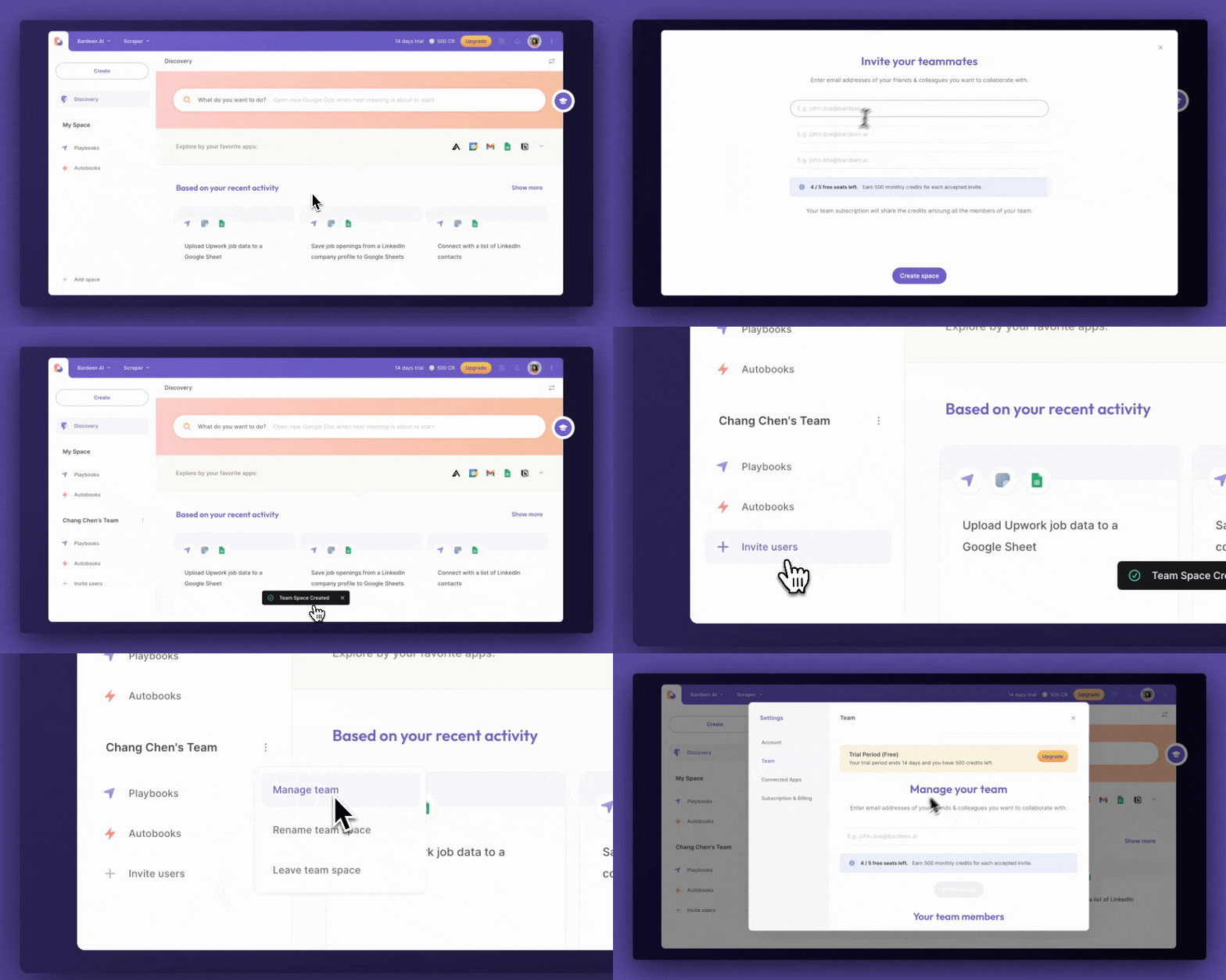
Full launch of Bardeen for Teams: You can now create teams, share playbooks, and manage users. There’s more to come here like centralized reporting and metrics. This deserves its own post coming soon.
Integration with Microsoft Office’s suite of apps
Improvements to playbook sharing and management
“Always ON”: No More Browser Naps
Our goal with Bardeen is to create an AI Agent that can automate all your repetitive tasks. Since you do most of these in your browser, we made Bardeen a browser extension.
Unfortunately, closing the lid to your laptop also stops whatever time-saving automation is running. You won't be able to monitor leads, alert Slack with important events, or trigger workflows when a Zoom recording is available.
With our “Always ON” update, the actions that trigger playbooks and the playbooks themselves run in the cloud instead of on your local machine. This means they’ll always run!
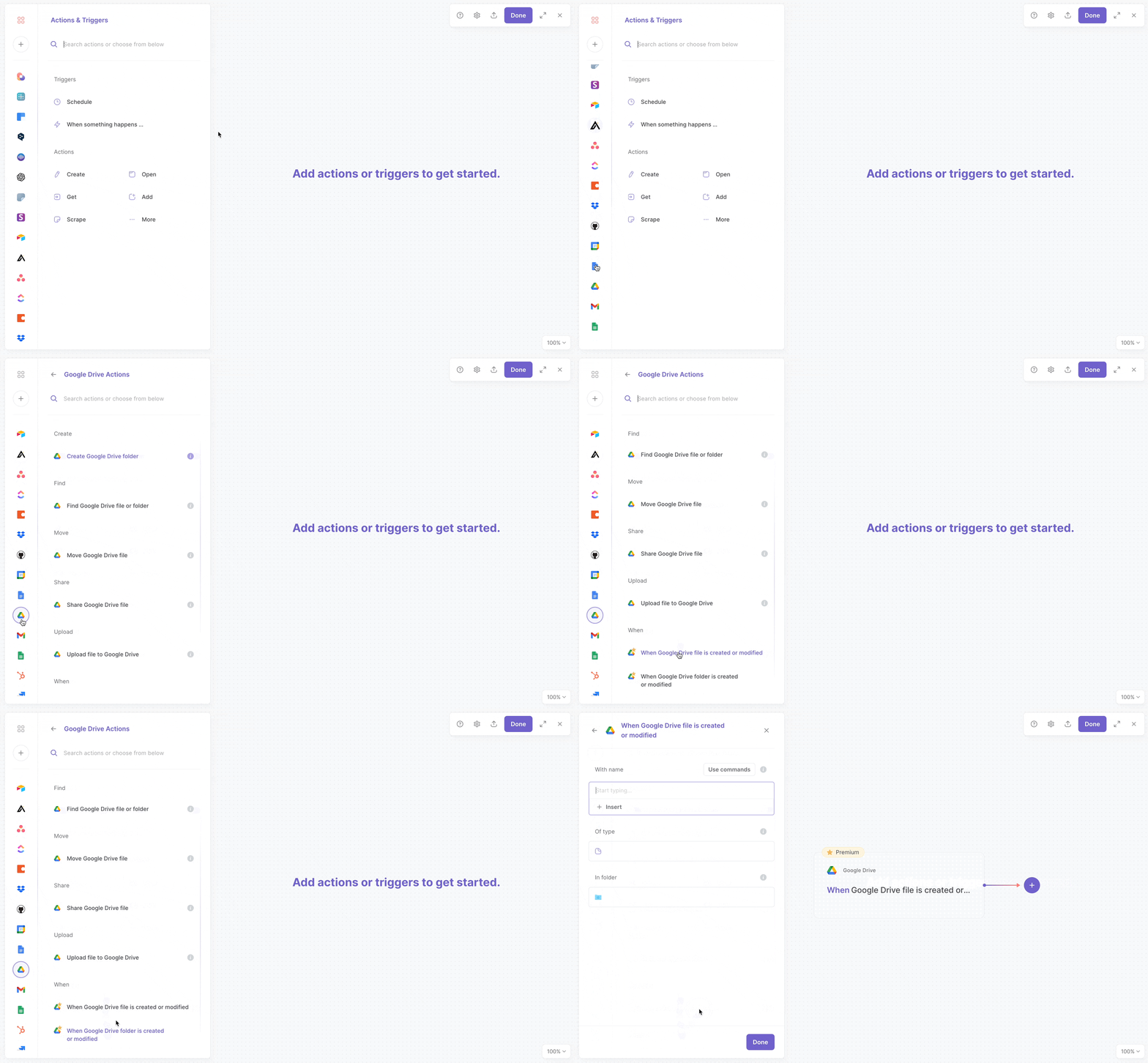
Just replace the trigger action in your playbook with an “Always ON” action to enable it.
Scraping just got easier and more powerful
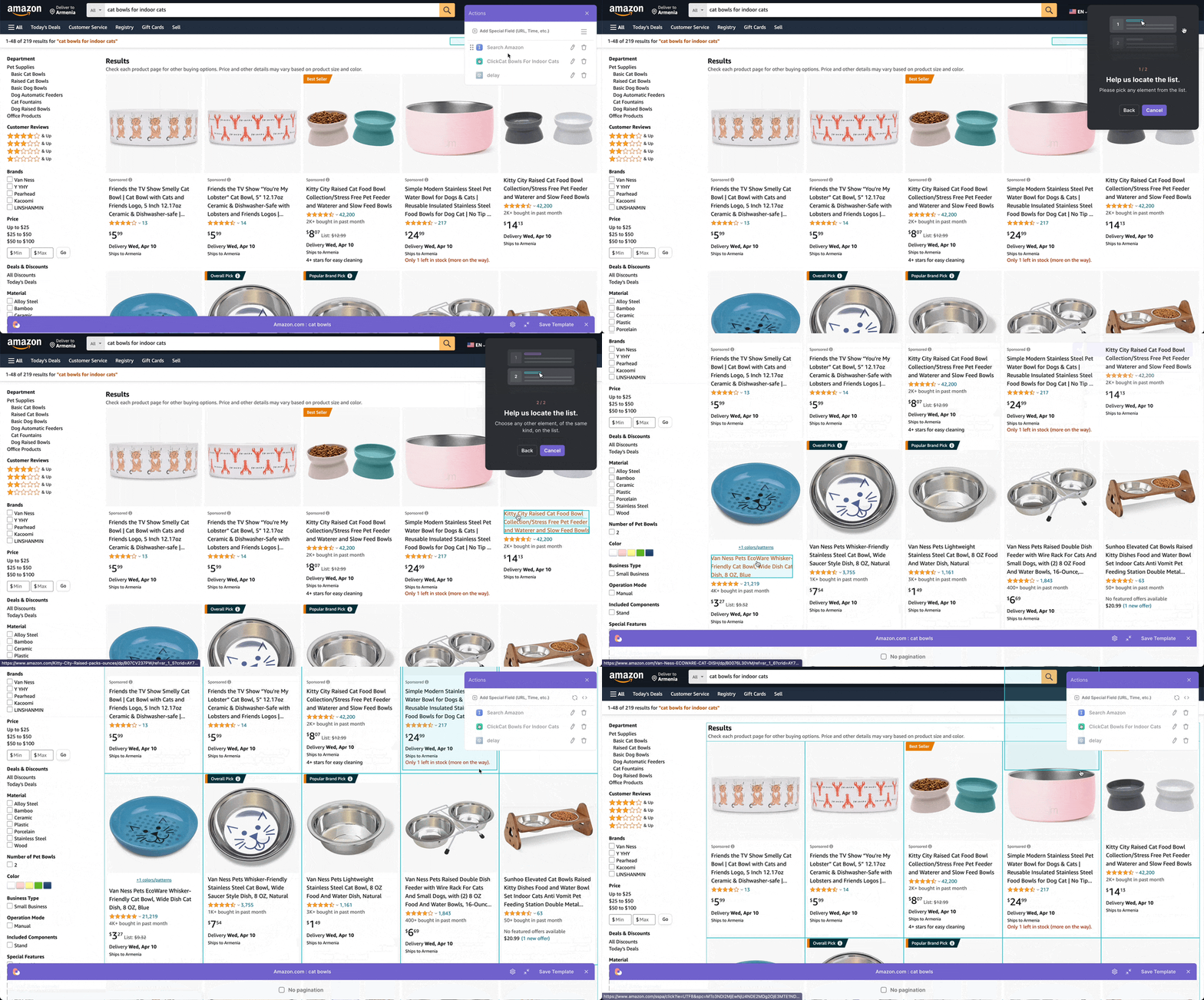
In May we shipped a few changes that make scraping even more powerful and easy to use:
Clean scraped text with Regex: You can now format and clean text you extract with the Scraper. This could mean removing suffixes from prices and numbers, or only extracting a snippet from a larger string of text. This is a bit of a power-user feature, but hey, if you use a spreadsheet, I promise learning regex will be worth your time to learn.
Works better in the background: We made scraper more reliable with pages that refuse to load with a minimized browser.
Hot from the press: more content
We realized just building a product isn’t enough to help people automate their work. We should also invest in educational resources and practical guides to empower users to get the most out of our tools.
If you came from the May Newsletter, you’ll have already seen the biggest announcement for content: our Automation Field Guide for SDRs. It includes:
80+ new playbooks
15+ new sales articles and guides
New integrations, actions, and functions for sales
What’s next?
This week we're holding our first company offsite of 2024. In the next month expect even more updates. In particular:
More integrations, actions, and playbooks
AI agents and scrapers
Even more exciting, a huge update is coming for Bardeen that will fundamentally change how you build automations with Bardeen. Stay tuned!

SOC 2 Type II, GDPR and CASA Tier 2 and 3 certified — so you can automate with confidence at any scale.
Frequently asked questions
What is Bardeen?
Bardeen is an automation and workflow platform designed to help GTM teams eliminate manual tasks and streamline processes. It connects and integrates with your favorite tools, enabling you to automate repetitive workflows, manage data across systems, and enhance collaboration.
What tools does Bardeen replace for me?
Bardeen acts as a bridge to enhance and automate workflows. It can reduce your reliance on tools focused on data entry and CRM updating, lead generation and outreach, reporting and analytics, and communication and follow-ups.
Who benefits the most from using Bardeen?
Bardeen is ideal for GTM teams across various roles including Sales (SDRs, AEs), Customer Success (CSMs), Revenue Operations, Sales Engineering, and Sales Leadership.
How does Bardeen integrate with existing tools and systems?
Bardeen integrates broadly with CRMs, communication platforms, lead generation tools, project and task management tools, and customer success tools. These integrations connect workflows and ensure data flows smoothly across systems.
What are common use cases I can accomplish with Bardeen?
Bardeen supports a wide variety of use cases across different teams, such as:
Sales: Automating lead discovery, enrichment and outreach sequences. Tracking account activity and nurturing target accounts.
Customer Success: Preparing for customer meetings, analyzing engagement metrics, and managing renewals.
Revenue Operations: Monitoring lead status, ensuring data accuracy, and generating detailed activity summaries.
Sales Leadership: Creating competitive analysis reports, monitoring pipeline health, and generating daily/weekly team performance summaries.