


Turn any YouTube search results page into a clean dataset of video titles, links, views, upload age, channels, thumbnails, and descriptions—perfect for content marketers, YouTube/SEO strategists, social media teams, and influencer managers to run keyword research, competitor tracking, trend analysis, and creator discovery at global scale.
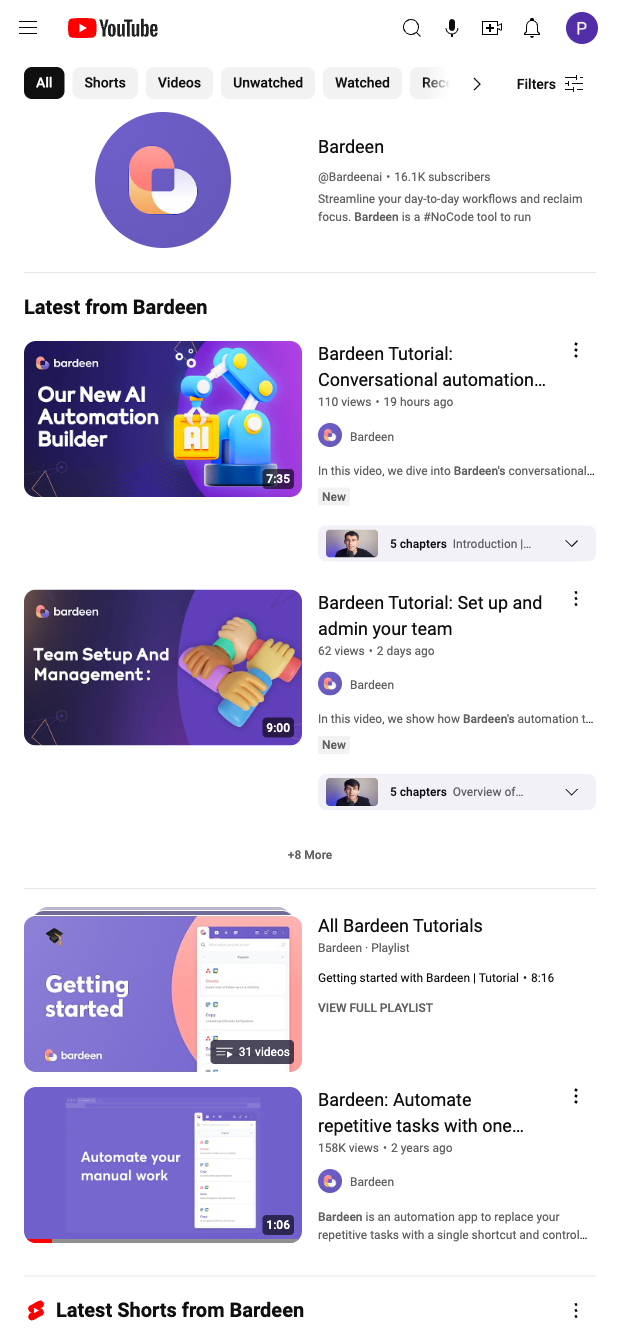

This YouTube search results scraper is built for professionals who plan and analyze video content: content marketers, SEO/YouTube strategists, social media managers, and influencer marketing teams. Extract structured data from any results page—including title, video link, views, posted ago, author, author link, preview image, and description—to accelerate keyword research, benchmark competitors, spot trending topics, and build shortlists of creators for outreach across global markets.
Once captured, use Bardeen to enrich and operationalize your dataset: compute views-per-day from views and upload age, group by channel to find prolific creators, use AI to summarize descriptions and tag topics, filter by language or keyword intent, and push results directly to Google Sheets, Airtable, or Notion. Schedule recurring runs to monitor rankings for priority keywords, deduplicate results over time, and create alerts for new high-velocity videos that match your criteria.
Maintained by Bardeen: this template is actively updated to adapt to YouTube UI changes, ensuring reliable, high-quality data for your workflows.
With Bardeen, you can do much more than just web scraping. After extracting data from any website, use Bardeen’s powerful automation tools to validate and enrich your data, run additional scrapers on linked pages, or leverage AI to qualify leads and generate content automatically. Once your data is ready, you can easily export it to CSV, Google Sheets, Airtable, or Notion for further analysis and reporting.






SOC 2 Type II, GDPR and CASA Tier 2 and 3 certified — so you can automate with confidence at any scale.










