


Automate personalized InMail outreach from LinkedIn Sales Navigator lead profiles. Perfect for SDRs, account executives, and B2B recruiters who want to speed up prospecting while keeping messages human. Generate tailored InMail copy with AI, log touches to your CRM or Google Sheets, and keep your pipeline moving—no copy‑paste needed.
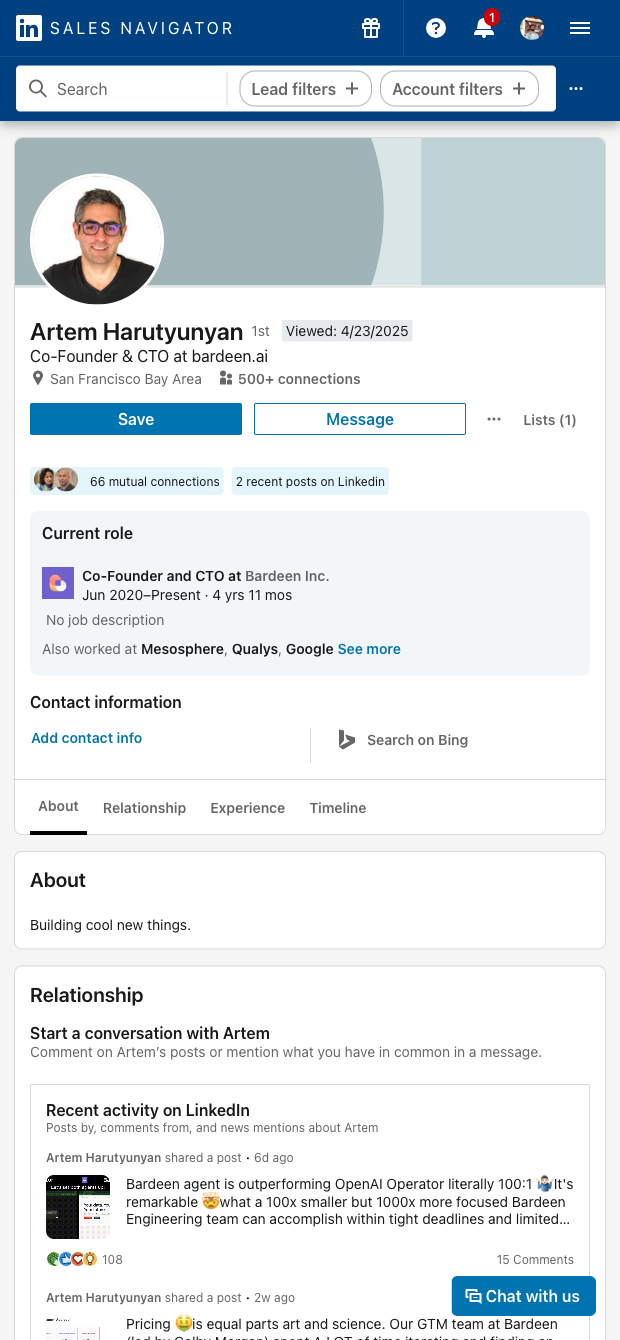

Who it’s for: SDRs, AEs, business development, and recruiters using LinkedIn Sales Navigator globally. This template streamlines InMail outreach right from any Sales Navigator lead profile. Use AI to craft personalized subject lines and messages based on the profile context you’re viewing, send the InMail, and automatically record the outreach details to your spreadsheet, Airtable, Notion, or CRM. Add tags, owners, and next steps to keep prospecting organized. Requires an active Sales Navigator account and available InMail credits.
How you’ll use it: Turn profile-by-profile research into fast, targeted outreach. Create hyper-personalized intros on the fly, enrich with company and contact data, deduplicate against your CRM, and export clean logs for reporting. Run one-off touches during live prospecting or chain this template with a list of Sales Navigator profiles to batch message, A/B test messaging, and measure response rates across regions like North America, EMEA, and APAC.
Maintained by Bardeen: This template is actively updated to keep up with LinkedIn UI changes and deliver reliable performance, so you can count on high‑quality automation and consistent data capture.
With Bardeen, you can do much more than just web scraping. After extracting data from any website, use Bardeen’s powerful automation tools to validate and enrich your data, run additional scrapers on linked pages, or leverage AI to qualify leads and generate content automatically. Once your data is ready, you can easily export it to CSV, Google Sheets, Airtable, or Notion for further analysis and reporting.






SOC 2 Type II, GDPR and CASA Tier 2 and 3 certified — so you can automate with confidence at any scale.








