


Extract structured TripAdvisor reviews from hotel, restaurant, and attraction pages—ratings, full text, date of stay, reviewer details, and likes—so hospitality and tourism teams can analyze sentiment, benchmark competitors, and automate alerts or reports in Sheets, Airtable, Notion, or Slack.
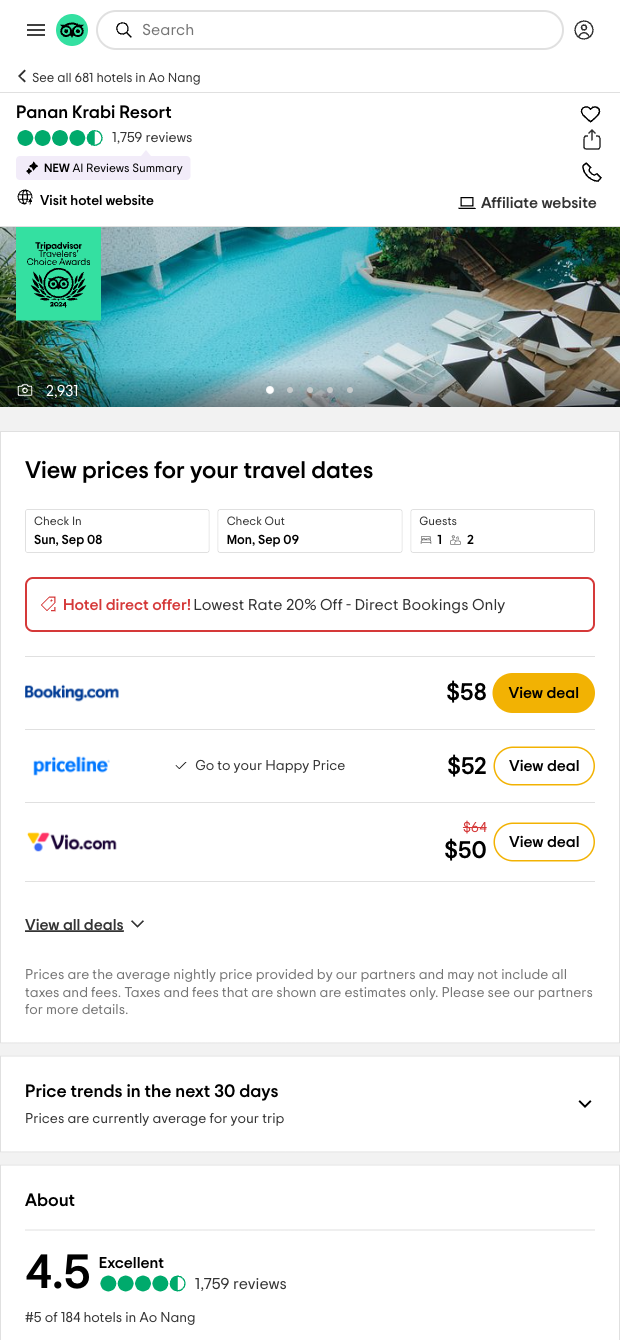

This TripAdvisor location reviews scraper is built for hotel revenue managers, GMs, reputation management agencies, OTAs, and tourism boards who need reliable review data at scale. It captures place title, reviewer name and location, contributions and helpful votes, review rating, title and full text, date of stay, likes, and profile URL from any TripAdvisor Review page (hotels, restaurants, attractions) worldwide—ready in a clean, tabular dataset.
Use it to monitor guest sentiment, track review velocity, identify service issues, and benchmark competitors across regions. With Bardeen’s workflows you can enrich with AI for sentiment and themes, segment by Date of stay and reviewer origin, compute rolling averages and NPS-like scores, and send summaries or alerts to Google Sheets, Airtable, Notion, Slack, or your CRM. Set up automations to flag new 1–3 star reviews, group feedback by topic (e.g., cleanliness, Wi‑Fi, breakfast), and build monthly performance dashboards for global portfolios.
Maintained by Bardeen: this template is actively updated to reflect TripAdvisor changes, delivering accurate, high-quality data you can trust.
With Bardeen, you can do much more than just web scraping. After extracting data from any website, use Bardeen’s powerful automation tools to validate and enrich your data, run additional scrapers on linked pages, or leverage AI to qualify leads and generate content automatically. Once your data is ready, you can easily export it to CSV, Google Sheets, Airtable, or Notion for further analysis and reporting.






SOC 2 Type II, GDPR and CASA Tier 2 and 3 certified — so you can automate with confidence at any scale.










