


Extract structured TripAdvisor location details from hotel, restaurant, and attraction review pages to power hospitality market research, competitor benchmarking, and travel marketing workflows. Ideal for revenue managers, OTAs, destination marketers, and local SEO agencies, this template captures key TripAdvisor data and lets you enrich, summarize with AI, and export to Google Sheets, Airtable, Notion, or your CRM.
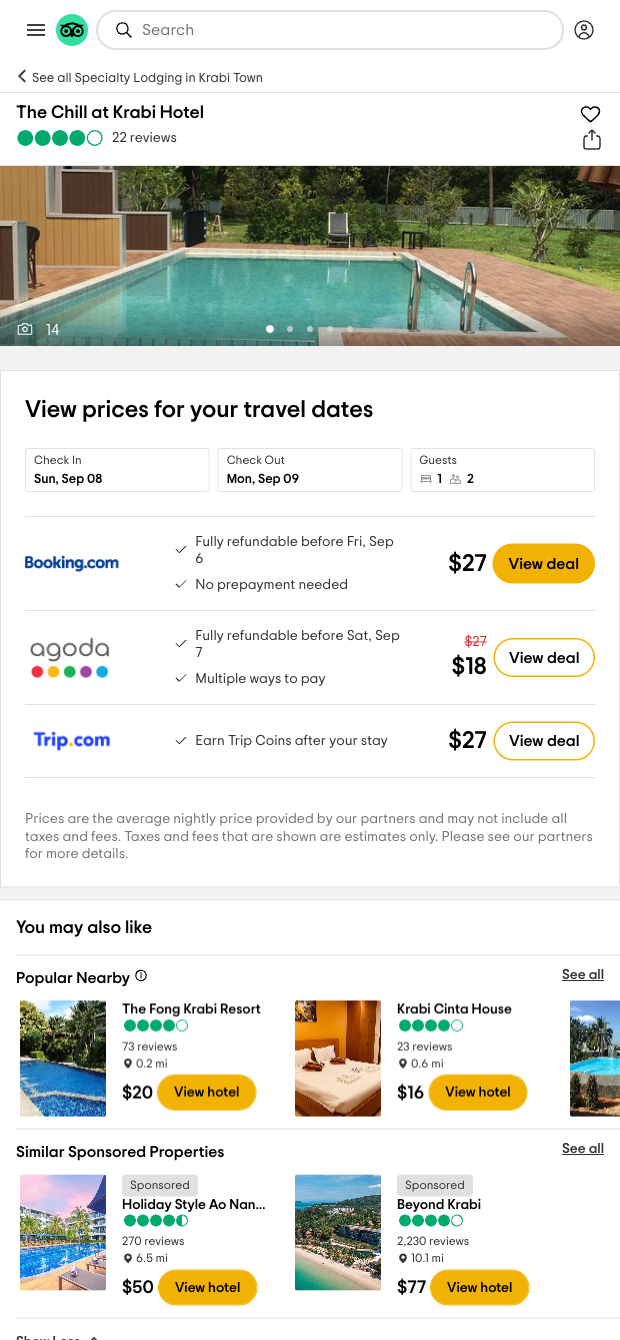

Who it’s for: Hospitality and travel professionals worldwide—hotel revenue managers, travel marketers, OTAs, destination marketing teams, and local SEO consultants—who need reliable TripAdvisor data for competitive analysis, lead research, and campaign planning. This scraper extracts key location details from TripAdvisor review pages (hotels, restaurants, attractions), including essentials like name, rating, review volume, ranking, address and contact information, plus other available highlights—structured for easy analysis.
How you’ll use it: Send clean data to Sheets, Airtable, or Notion to build competitor scorecards, monitor rankings, and track review trends. Use AI to summarize recent review themes, surface strengths/weaknesses, and tag locations by amenities or traveler type. Enrich records, deduplicate, compute changes over time, and sync to your CRM to prioritize outreach or partnerships. This workflow is globally applicable and especially valuable for market research, local SEO, and performance benchmarking across destinations.
This template is maintained and updated by Bardeen to adapt to TripAdvisor changes, ensuring a stable, high-quality scraper and dependable data for your workflows.
With Bardeen, you can do much more than just web scraping. After extracting data from any website, use Bardeen’s powerful automation tools to validate and enrich your data, run additional scrapers on linked pages, or leverage AI to qualify leads and generate content automatically. Once your data is ready, you can easily export it to CSV, Google Sheets, Airtable, or Notion for further analysis and reporting.






SOC 2 Type II, GDPR and CASA Tier 2 and 3 certified — so you can automate with confidence at any scale.










