


Extract structured contact and professional profile data from RocketReach profile pages to accelerate sales prospecting, recruiting, and partnership outreach. This maintained template turns profiles into clean rows you can enrich, analyze, and sync to your CRM or spreadsheet in minutes.
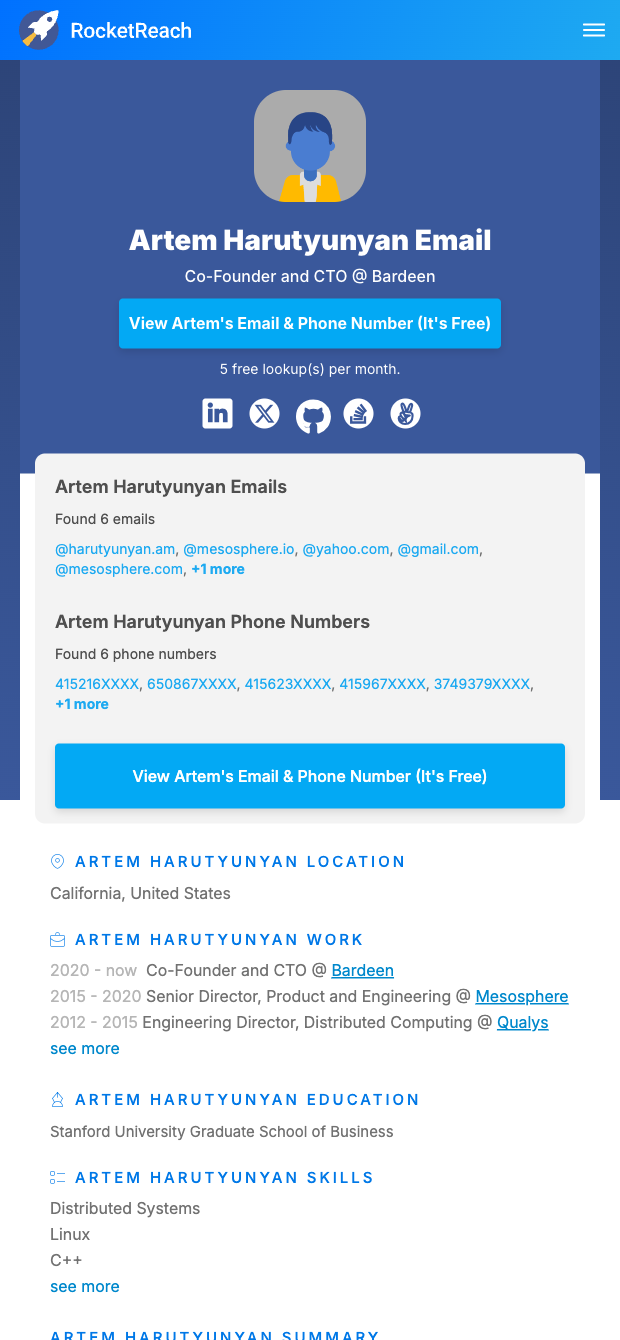

This template is ideal for sales reps, recruiters, and business development teams who rely on RocketReach to research people and companies. It captures key profile information (like name, role, company, location, work history, education, and social links when available) from RocketReach profile URLs, then structures everything into a table you can sort, filter, and use immediately. Typical use cases include building lead lists, enriching CRM records, qualifying candidates, and mapping decision-makers for targeted outreach across global markets.
With the Bardeen extension, you can enrich each row with company firmographics, deduplicate against your CRM, ask AI to summarize a profile or draft personalized first lines, and export to Google Sheets, Airtable, Notion, HubSpot, or Salesforce. This workflow helps you prioritize high-fit contacts, keep data fresh, and trigger automated sequences without manual copy-paste.
Maintained by Bardeen: This RocketReach profile scraper is actively monitored and updated by our team to reflect site changes, ensuring reliable extraction and high-quality data over time.
With Bardeen, you can do much more than just web scraping. After extracting data from any website, use Bardeen’s powerful automation tools to validate and enrich your data, run additional scrapers on linked pages, or leverage AI to qualify leads and generate content automatically. Once your data is ready, you can easily export it to CSV, Google Sheets, Airtable, or Notion for further analysis and reporting.






SOC 2 Type II, GDPR and CASA Tier 2 and 3 certified — so you can automate with confidence at any scale.









