


Extract clean, structured contacts from RocketReach People Search results by company. Ideal for SDRs, recruiters, and business development teams, this template captures names, roles, locations, work/personal emails, phone numbers, profile links, and more—ready to enrich and export to Google Sheets, Airtable, Notion, or your CRM.
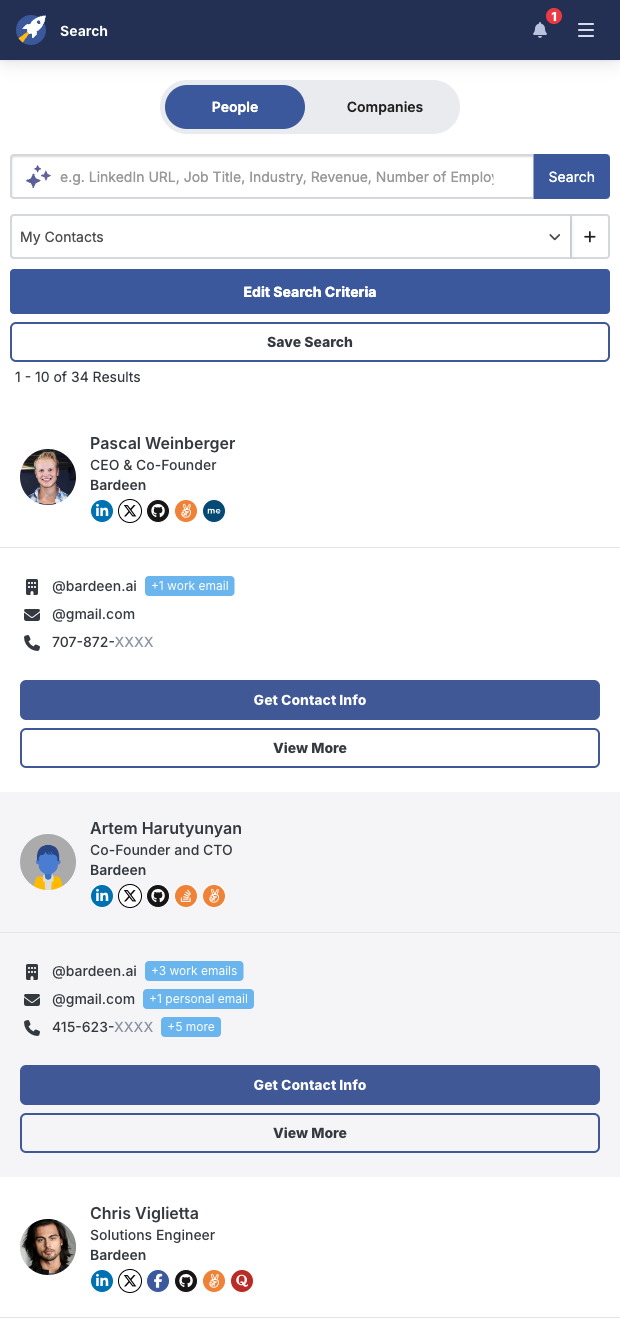

Built for GTM and recruiting teams who source contacts by employer, this RocketReach people search scraper turns results into a ready-to-use table for global prospecting and talent pipelines (with strong coverage in the US and Europe). It automatically opens each result to reveal contact info, waits for data to load, and extracts Name, Position, Company, Location, Description, Work email, Personal email, Primary phone, Other contact information, Profile picture, RocketReach profile, Company RocketReach URL, and the result URL. Perfect for company-based prospecting, account mapping, and candidate sourcing.
Work faster with flexible post-processing: qualify by title or seniority with AI, enrich with firmographics or social links, deduplicate against your CRM, validate domains, segment by region, score leads, and then push to HubSpot/Salesforce or export to Google Sheets, Airtable, or Notion. Use it to build targeted outreach lists, prioritize hiring outreach, or analyze org charts—without manual copying.
Maintained by Bardeen: this template is monitored and updated to reflect RocketReach UI changes, ensuring reliable, high-quality data collection over time.
With Bardeen, you can do much more than just web scraping. After extracting data from any website, use Bardeen’s powerful automation tools to validate and enrich your data, run additional scrapers on linked pages, or leverage AI to qualify leads and generate content automatically. Once your data is ready, you can easily export it to CSV, Google Sheets, Airtable, or Notion for further analysis and reporting.






SOC 2 Type II, GDPR and CASA Tier 2 and 3 certified — so you can automate with confidence at any scale.







