


Turn any Remote OK search results page into a structured table of positions, companies, posting dates, tags, links, and logos—ideal for tech recruiters and recruiting ops to monitor remote engineering jobs globally, enrich records, and export to Google Sheets, Airtable, or Notion.
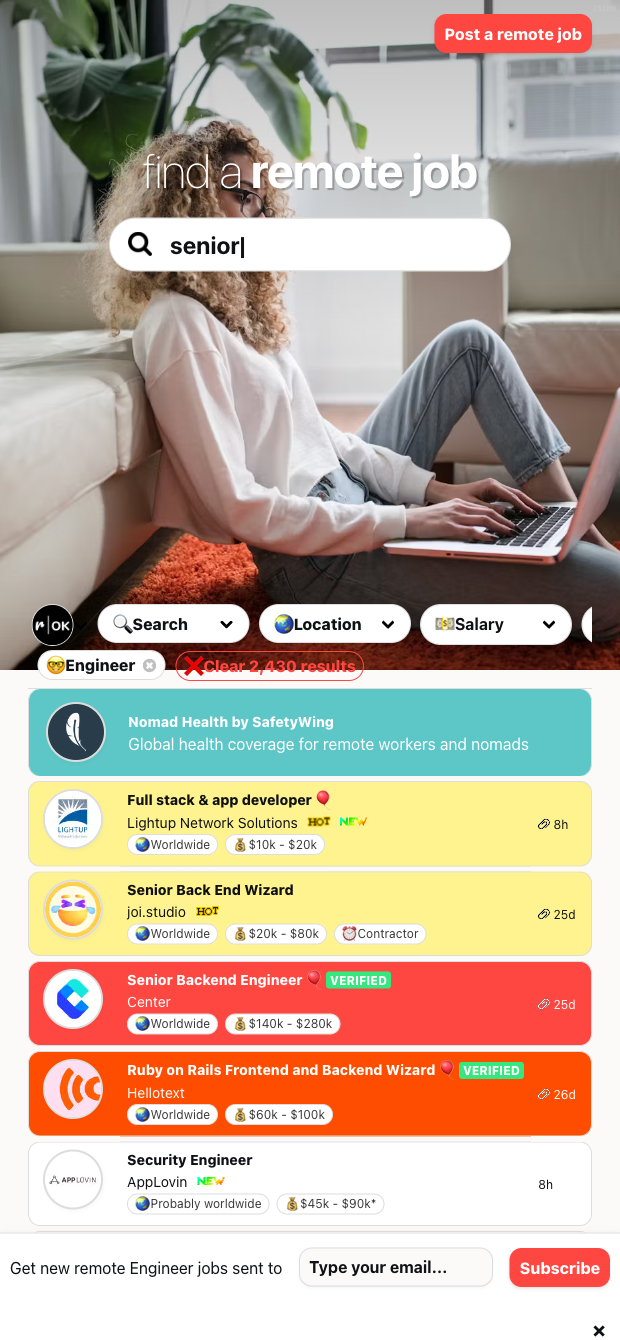

Built for tech recruiters, staffing agencies, recruiting operations, and engineering team leads tracking remote hiring worldwide. Point this scraper at any Remote OK results page (for example, remote engineering roles) to instantly capture Position, Company, Date, Tags, Link, and Image. Use it to build live pipelines, benchmark market demand, curate community job boards, or keep a clean tracking sheet of remote opportunities.
With Bardeen, you can filter by date or tags, dedupe across runs, and enrich each record with company domains, LinkedIn pages, headcount, and tech stack. Ask AI to categorize roles, cluster tags, or highlight priority opportunities, then automatically route results to Google Sheets, Airtable, or Notion, and schedule runs to catch new postings as they appear. This makes ongoing market intel and candidate outreach faster and more reliable for a global audience.
This template is maintained and updated by Bardeen to adapt to website changes, ensuring high-quality, reliable data every time.
With Bardeen, you can do much more than just web scraping. After extracting data from any website, use Bardeen’s powerful automation tools to validate and enrich your data, run additional scrapers on linked pages, or leverage AI to qualify leads and generate content automatically. Once your data is ready, you can easily export it to CSV, Google Sheets, Airtable, or Notion for further analysis and reporting.






SOC 2 Type II, GDPR and CASA Tier 2 and 3 certified — so you can automate with confidence at any scale.









