


Extract structured property details from any Realtor.com listing page into a clean table. Perfect for U.S.-focused real estate investors, buyer agents, analysts, and acquisition teams to build comps, underwrite deals, and sync listings to Google Sheets, Airtable, Notion, or a CRM—kept accurate by a template maintained by Bardeen.
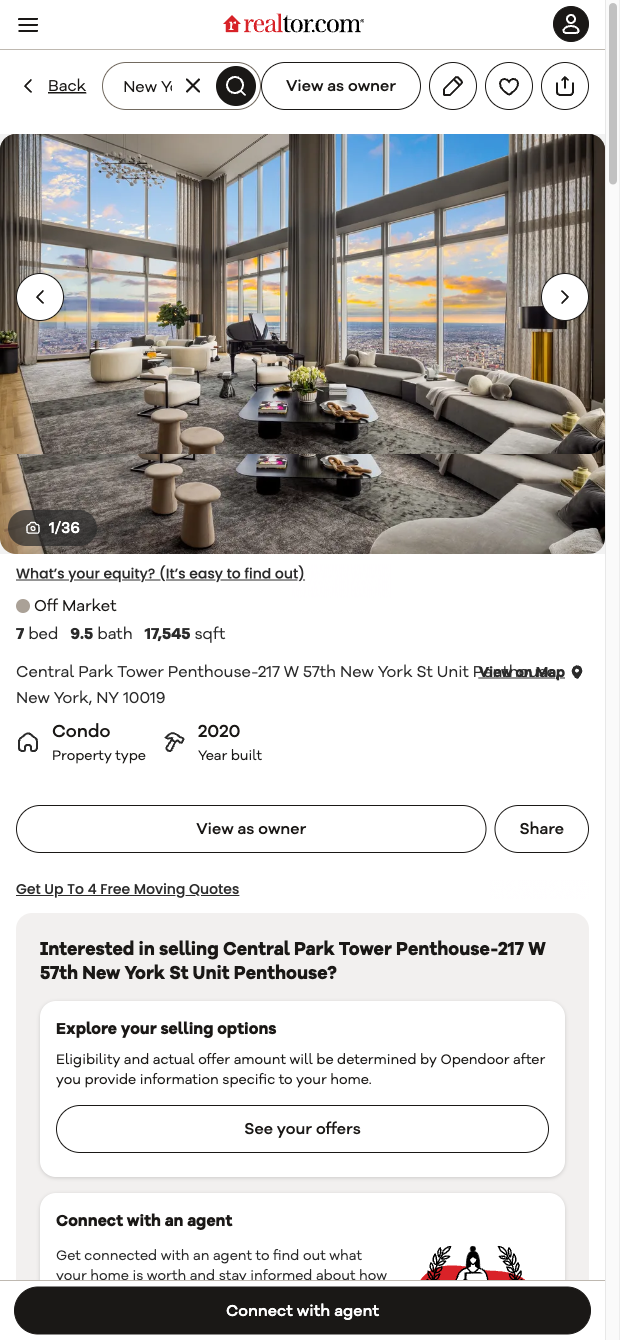

This template is built for professionals who rely on accurate U.S. real estate data—investors, buyer agents, analysts, and acquisition teams. It captures key listing information from Realtor.com property pages, including address, listing price, beds/baths, square footage, lot size, property type, year built, days on market, agent/brokerage, HOA fees (when present), price and tax history, schools, features, and the listing URL. Use it to centralize property research, compare opportunities, and quickly assemble comps for market analysis.
With the Bardeen extension, you can enrich and analyze the scraped data: compute price per square foot, summarize property highlights with AI, compare listings side-by-side, or estimate metrics like cap rate when combined with rent data. Create repeatable workflows to push results into Google Sheets, Airtable, Notion, or your CRM, de-duplicate leads, and set up monitoring to revisit pages and update statuses. This is ideal for building an underwriting pipeline, tracking price changes, and coordinating outreach with listing agents.
This scraper is maintained and regularly updated by Bardeen to adapt to Realtor.com changes, ensuring reliable, high-quality real estate data for your workflows.
With Bardeen, you can do much more than just web scraping. After extracting data from any website, use Bardeen’s powerful automation tools to validate and enrich your data, run additional scrapers on linked pages, or leverage AI to qualify leads and generate content automatically. Once your data is ready, you can easily export it to CSV, Google Sheets, Airtable, or Notion for further analysis and reporting.






SOC 2 Type II, GDPR and CASA Tier 2 and 3 certified — so you can automate with confidence at any scale.










