


Capture rich Product Hunt product page data—title, tagline, description, upvotes, makers, topics, links, and more—into a clean table for startup research, competitive analysis, and lead generation. Ideal for product managers, growth marketers, founders, and VC analysts tracking specific launches across global tech markets, with fast export to Google Sheets, Airtable, or Notion and optional enrichment, AI summaries, and follow-ups right from your browser.
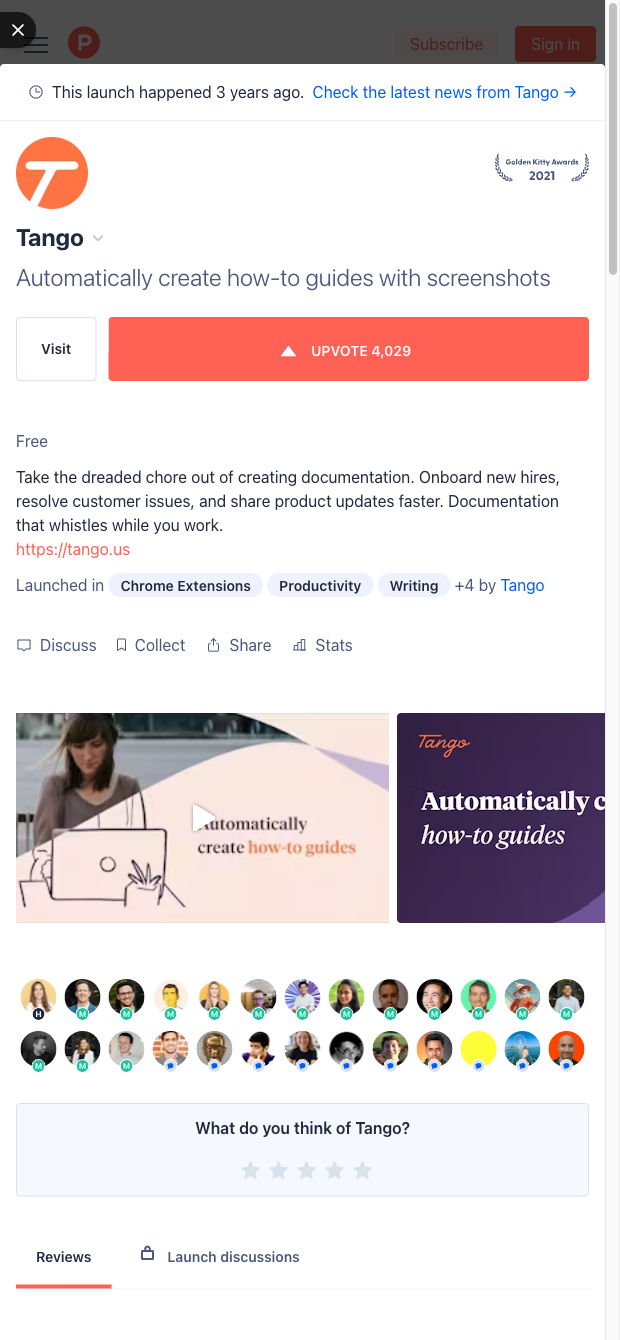

Who it's for: Product managers, growth marketers, startup founders, and investor/analyst teams who rely on Product Hunt to discover, benchmark, and track products worldwide. This template extracts key details from individual Product Hunt product or post pages (including elements like the product name, tagline, description, upvotes, topics, maker profiles, website and social links, launch date cues, and more) and structures them into a tabular format—all without code.
How you'll use it: Build competitive tear sheets, analyze category trends, and create outreach lists of makers and early adopters. Send captured data to Google Sheets, Airtable, or Notion, then enrich it in a click (e.g., add company domains, LinkedIn profiles, or contact data), summarize comments and feedback with AI, and compute metrics like upvote velocity or category frequency. Whether you’re vetting a potential investment, planning your own launch, or tracking competitor traction, this scraper turns a single Product Hunt page into actionable, structured insights you can automate and share.
With Bardeen, you can do much more than just web scraping. After extracting data from any website, use Bardeen’s powerful automation tools to validate and enrich your data, run additional scrapers on linked pages, or leverage AI to qualify leads and generate content automatically. Once your data is ready, you can easily export it to CSV, Google Sheets, Airtable, or Notion for further analysis and reporting.






SOC 2 Type II, GDPR and CASA Tier 2 and 3 certified — so you can automate with confidence at any scale.










