


Extract Facebook page search results into a clean table with links, titles, headlines, and descriptions. Perfect for social media managers, growth marketers, and agencies to research competitors, discover brands, and build outreach lists globally—then enrich and export anywhere.
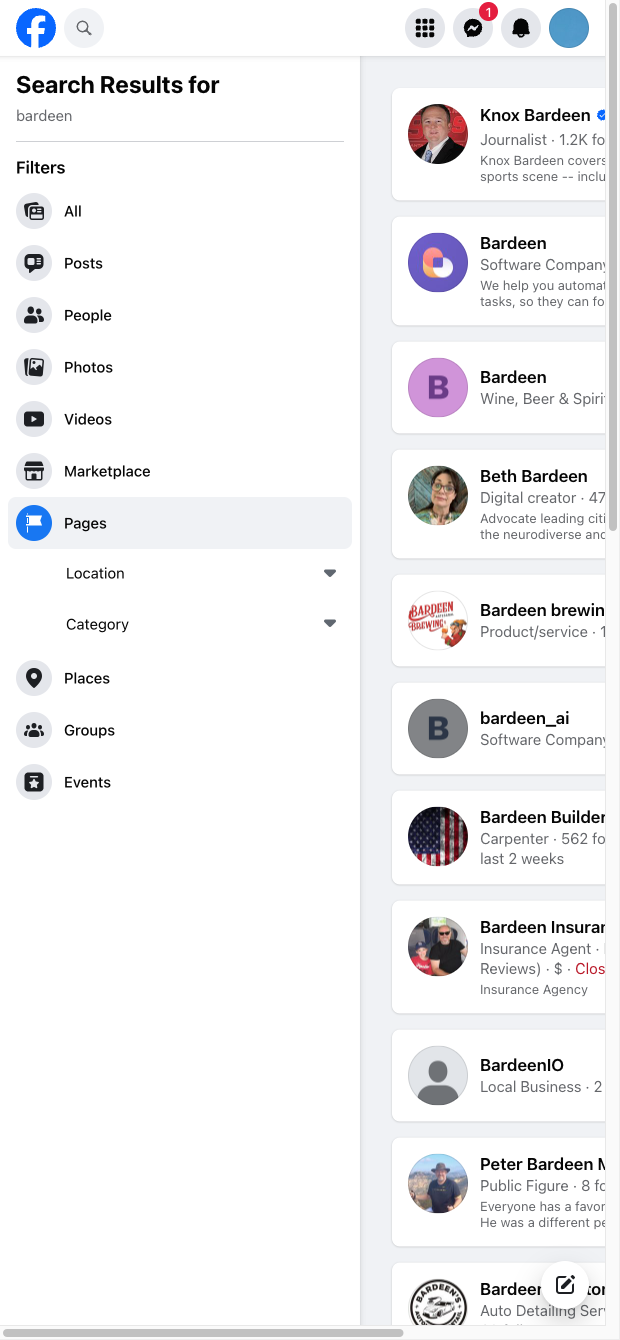

This template is built for social media managers, growth marketers, brand researchers, and agencies who use Facebook page search to find companies, creators, and communities by keyword. Use it to quickly assemble prospecting lists (e.g., local businesses or niche brands), validate official pages before outreach, and map competitor or lookalike pages for inspiration and benchmarking worldwide.
It captures Link, Title, Headline, and Description from Facebook page search results, structuring them for analysis and automation. With the Bardeen extension, you can deduplicate, categorize with AI (e.g., industry, relevance), summarize descriptions, and score prospects. Enrich results with additional company data using other Bardeen actions, then export to Google Sheets, Airtable, Notion, or your CRM. Create repeatable workflows to run multiple keywords or locations and keep your lists fresh over time.
Maintained by Bardeen: this high-quality scraper is regularly updated to reflect Facebook UI changes, ensuring reliable, accurate data for your workflows.
With Bardeen, you can do much more than just web scraping. After extracting data from any website, use Bardeen’s powerful automation tools to validate and enrich your data, run additional scrapers on linked pages, or leverage AI to qualify leads and generate content automatically. Once your data is ready, you can easily export it to CSV, Google Sheets, Airtable, or Notion for further analysis and reporting.






SOC 2 Type II, GDPR and CASA Tier 2 and 3 certified — so you can automate with confidence at any scale.









