


Extract all photos from any Facebook Marketplace item page in one click. Built for resellers, sourcing specialists, and competitive analysts who need to save and organize listing images for review, cataloging, or AI tagging. Export the gallery to Google Sheets, Airtable, or Notion to build comps, track condition, or prep creatives—no manual downloading.
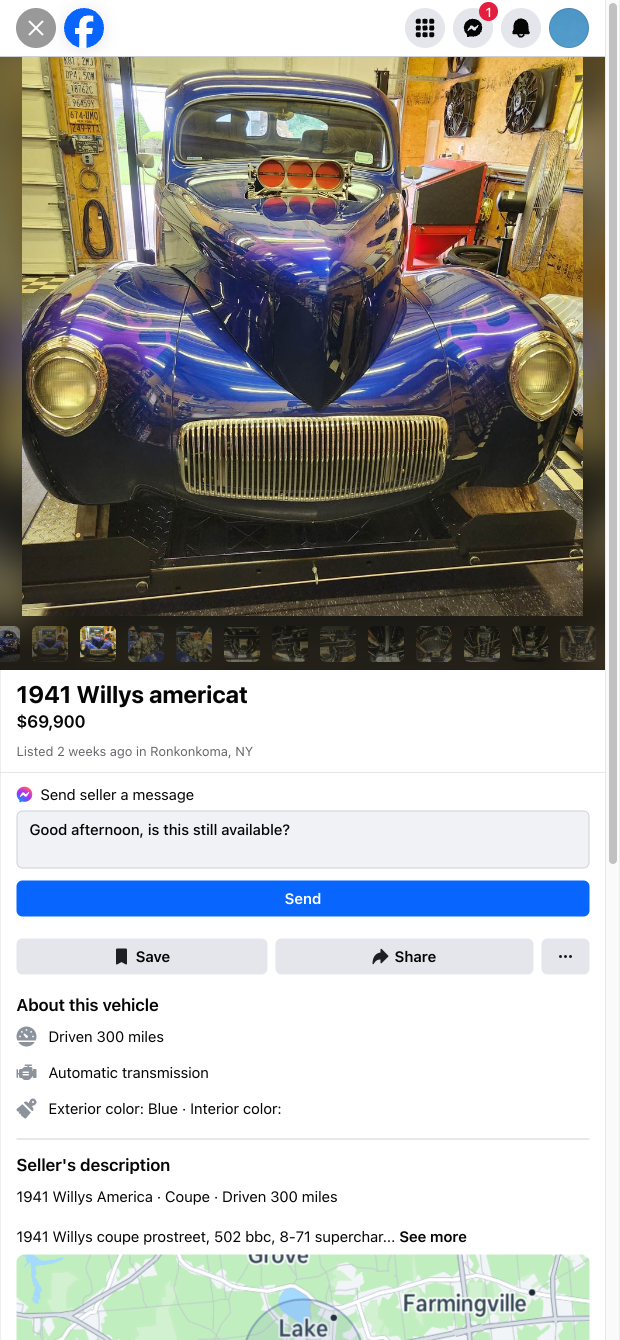

This Facebook Marketplace image scraper is perfect for professionals who rely on listing visuals: e-commerce resellers and flippers, liquidation buyers, refurbishers (electronics, furniture, autos), and market researchers. It quickly captures the full image gallery from a Marketplace item URL and structures the photos so you can analyze, compare, and share them across your sourcing or research workflows. It’s designed for a global audience using Facebook Marketplace to evaluate inventory and monitor competitors.
How you’ll use it: open a Marketplace item, run the template, and instantly collect the listing’s photos into a clean table. From there, use Bardeen to enrich with AI (generate captions, detect damage cues, summarize condition), deduplicate, sort, and export to Google Sheets, Airtable, Notion, or cloud folders. Create visual comps libraries, standardize image naming, tag images for categories, or attach them to your sourcing pipeline and CRM. If needed, pair with other scrapers to add fields like title, price, and seller info for deeper analysis.
This scraper is maintained and updated by Bardeen to keep up with Facebook UI changes, ensuring reliable, high-quality image extraction for your workflows.
With Bardeen, you can do much more than just web scraping. After extracting data from any website, use Bardeen’s powerful automation tools to validate and enrich your data, run additional scrapers on linked pages, or leverage AI to qualify leads and generate content automatically. Once your data is ready, you can easily export it to CSV, Google Sheets, Airtable, or Notion for further analysis and reporting.






SOC 2 Type II, GDPR and CASA Tier 2 and 3 certified — so you can automate with confidence at any scale.







