


Extract Booking.com search results into a clean table with hotel name, URL, price, reviews, location details, image, and distance from the center. Ideal for travel managers, travel agencies, event coordinators, and hospitality analysts who need fast price comparisons, shortlists for group bookings, and market intelligence across cities worldwide. Send the data to Google Sheets, Airtable, or Notion, enrich it, and build repeatable workflows. This template is maintained by Bardeen for reliable, high‑quality results.
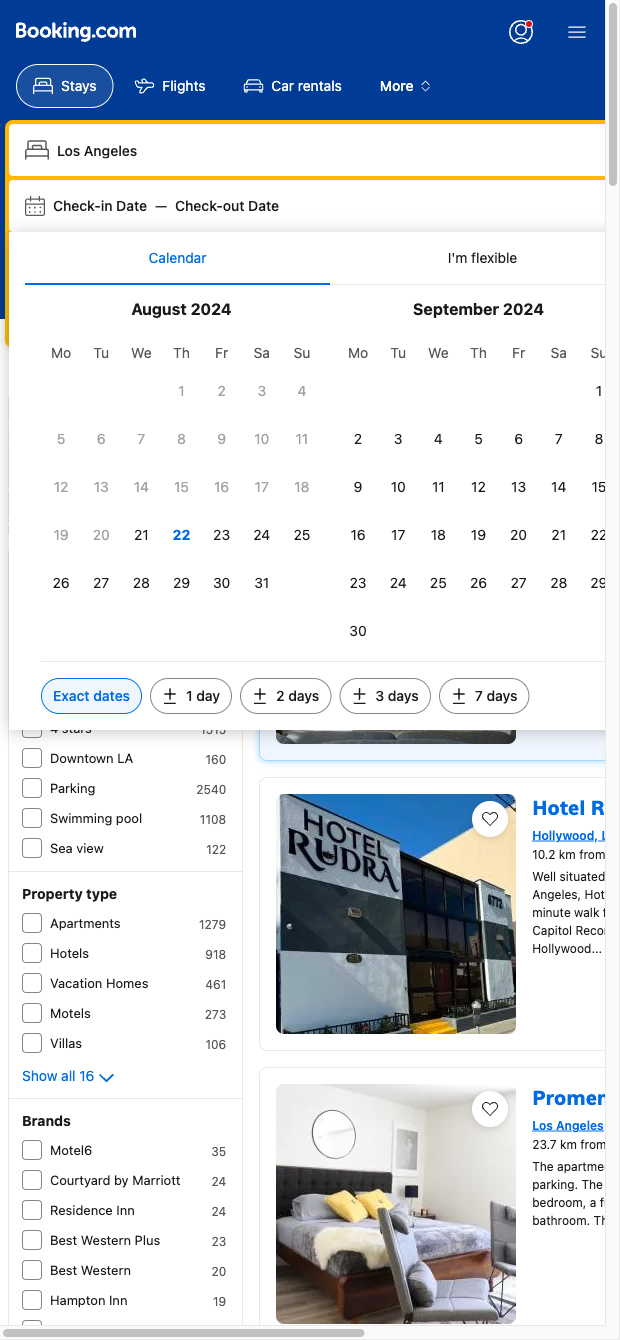

Who it's for: Corporate travel managers, travel agents, event planners, and hospitality market analysts who need structured Booking.com data to compare hotels, track rates, and create shareable shortlists. This template works globally, making it perfect for multi-city sourcing and competitive benchmarking.
How it helps: Run the scraper on any Booking.com search results page to capture Title, URL, Price, Reviews, Location, Details, Image, and Range from center. Use Bardeen to filter by review sentiment, compute average rates by neighborhood, convert currencies, flag options under policy thresholds, summarize property highlights with AI, and map distances. Pipe the results to Google Sheets, Airtable, or Notion to build RFP lists, compare options for events, monitor price changes over time, or analyze competitors’ positioning in your market.
Quality you can trust: This Booking.com scraper template is maintained and regularly updated by Bardeen to adapt to site changes and deliver accurate, high-quality data.
With Bardeen, you can do much more than just web scraping. After extracting data from any website, use Bardeen’s powerful automation tools to validate and enrich your data, run additional scrapers on linked pages, or leverage AI to qualify leads and generate content automatically. Once your data is ready, you can easily export it to CSV, Google Sheets, Airtable, or Notion for further analysis and reporting.






SOC 2 Type II, GDPR and CASA Tier 2 and 3 certified — so you can automate with confidence at any scale.









