


Turn WordPress.org search results into a clean table of Name, URL, Description, and Resource path. Ideal for WordPress developers, agencies, and content teams to research plugins, themes, documentation, and support threads, then enrich, prioritize, and export to Sheets, Airtable, or Notion.
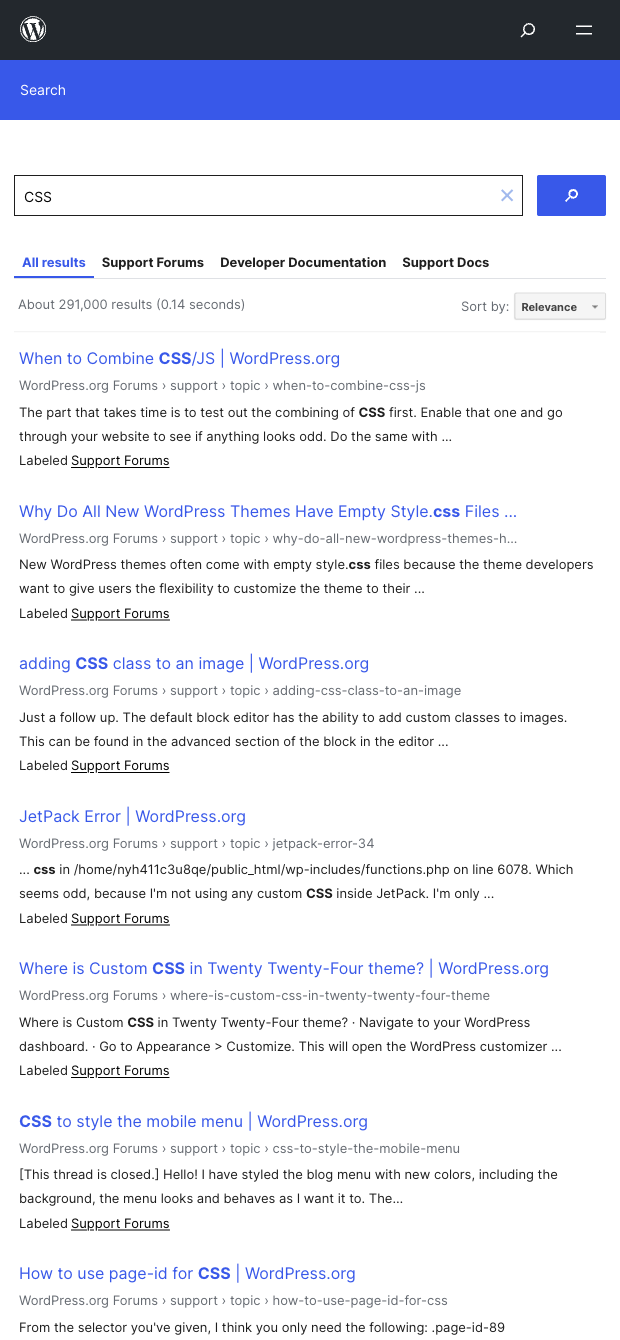

This template is designed for WordPress professionals worldwide—developers, plugin/theme researchers, agency strategists, and content/SEO teams—who need a fast way to mine WordPress.org search results. It captures Name, URL, Description, and Resource path from any query so you can quickly compile candidates for plugins or themes, locate relevant documentation, or track support forum discussions in one place.
Run a search once and get a structured dataset you can filter by resource path (e.g., /plugins, /themes, /documentation, /support) to segment results by type. With Bardeen, you can enrich each URL with additional page details, ask AI to categorize intent or prioritize options, deduplicate and tag entries, and export your list to Google Sheets, Airtable, or Notion for client proposals, technical audits, or content planning.
Maintained by Bardeen: this scraper is actively monitored and updated to reflect changes on WordPress.org, ensuring reliable, high-quality data over time.
With Bardeen, you can do much more than just web scraping. After extracting data from any website, use Bardeen’s powerful automation tools to validate and enrich your data, run additional scrapers on linked pages, or leverage AI to qualify leads and generate content automatically. Once your data is ready, you can easily export it to CSV, Google Sheets, Airtable, or Notion for further analysis and reporting.






SOC 2 Type II, GDPR and CASA Tier 2 and 3 certified — so you can automate with confidence at any scale.










