


Extract public posts from Threads.com into a clean, structured table. Capture post URLs, usernames, profile links, publish dates, content, media, and likes to monitor conversations, analyze engagement, and build reports or dashboards in your favorite tools.
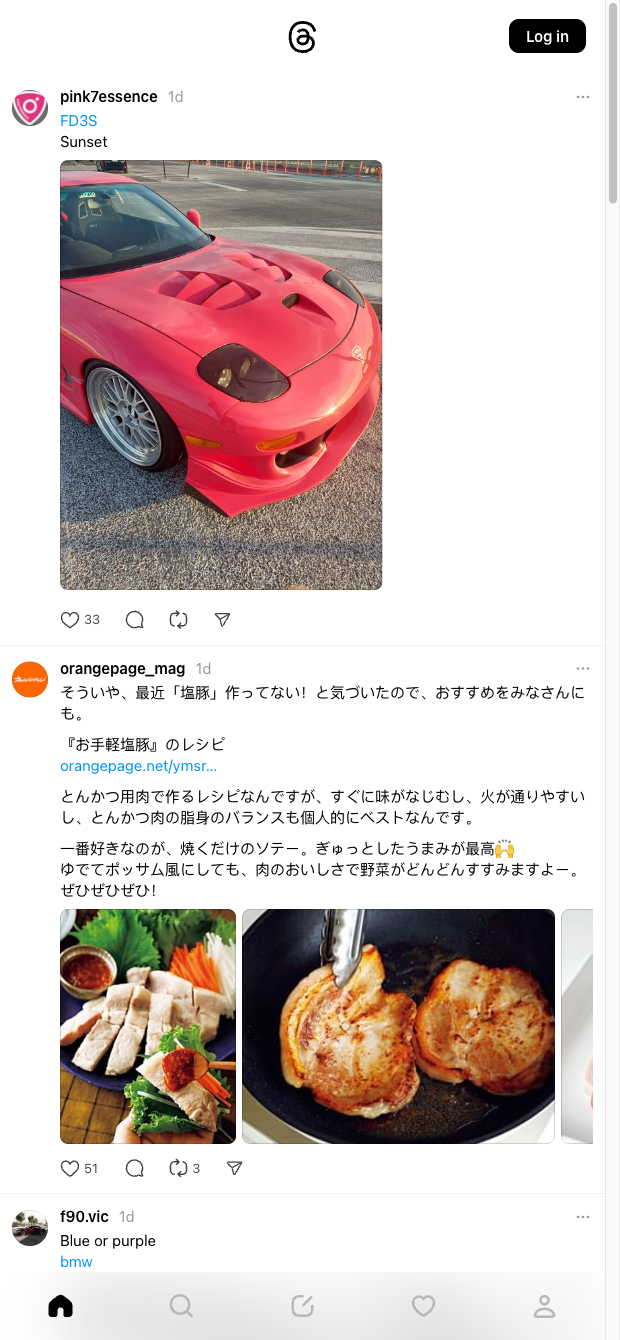

This template is ideal for social media managers, community teams, brand analysts, and researchers who need a reliable Threads.com scraper to track posts at scale. From any Threads.com feed or profile, it pulls post URL, username, profile URL, profile image, posted on, content, media/image URLs, and likes. Use it globally to monitor your brand, competitors, or industry topics and centralize Threads posts for analysis.
With the Bardeen extension, you can go beyond extraction: summarize posts with AI, run sentiment and keyword analysis, group by engagement, and filter out noise. Instantly export to Google Sheets, Airtable, or Notion, enrich with additional context, and trigger workflows like Slack alerts or weekly performance reports. Perfect for content research, trend tracking, and building social listening dashboards from Threads.com.
Maintained by Bardeen: this Threads.com posts scraper is actively monitored and updated to reflect site changes, ensuring high-quality, reliable data for your workflows.
With Bardeen, you can do much more than just web scraping. After extracting data from any website, use Bardeen’s powerful automation tools to validate and enrich your data, run additional scrapers on linked pages, or leverage AI to qualify leads and generate content automatically. Once your data is ready, you can easily export it to CSV, Google Sheets, Airtable, or Notion for further analysis and reporting.






SOC 2 Type II, GDPR and CASA Tier 2 and 3 certified — so you can automate with confidence at any scale.










