


Scrape ThemeForest search results to collect WordPress theme and template data at scale—perfect for agencies, freelance developers, theme authors, and affiliate marketers doing competitive analysis, curation, and price/sales tracking. Capture product names, URLs, authors, preview images, descriptions, prices, ratings, review counts, and sales, then enrich, analyze, and export to Sheets, Airtable, or Notion with Bardeen’s automations.
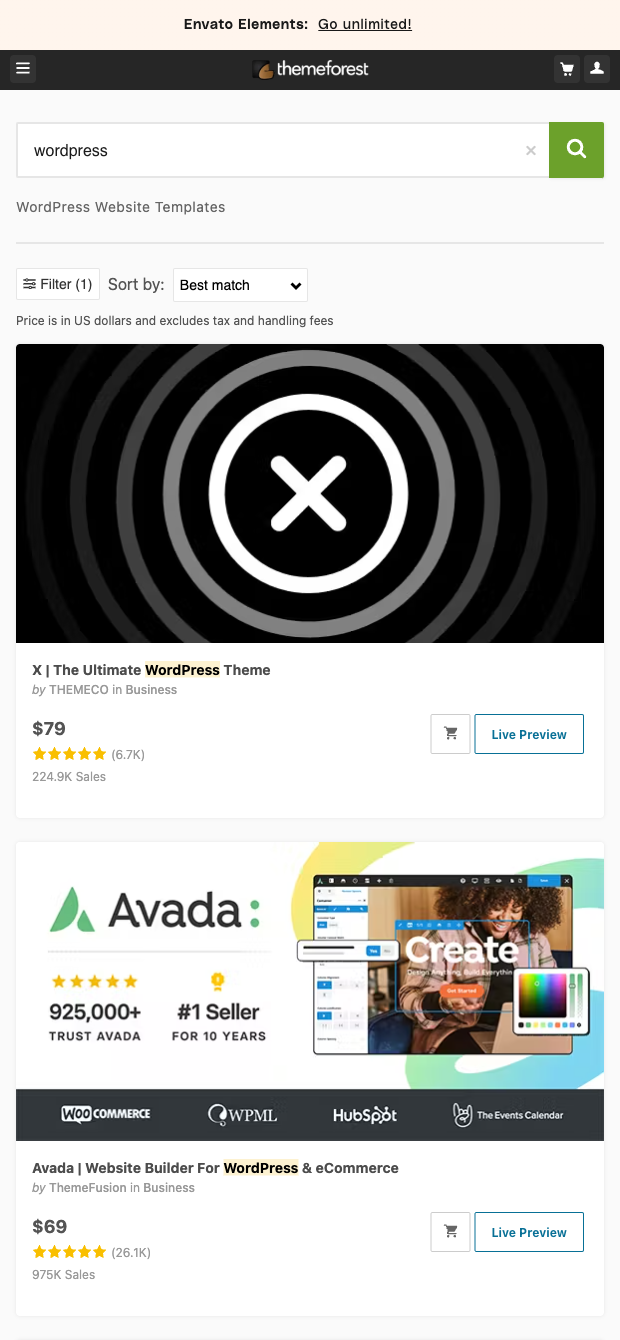

This template is built for professionals who rely on the ThemeForest (Envato Market) ecosystem: WordPress agencies and freelance developers scouting themes for client projects, theme creators benchmarking competitors, and affiliate marketers assembling high-converting comparison lists. It works globally with any ThemeForest search URL, so you can quickly identify top-performing themes by price, rating, reviews, and sales to make data-driven decisions.
It extracts rich, structured fields from ThemeForest search pages—product name, URL, author and profile, preview image, description, price, rating, reviews count, and sales. Use Bardeen to filter by rating or price, compute averages and trends, deduplicate authors, and set up automations to monitor new listings. You can also ask AI to summarize descriptions, tag niches (e.g., SaaS, eCommerce, portfolio), and instantly export polished data to Google Sheets, Airtable, or Notion for reports, buyer guides, and competitive dashboards.
Maintained by Bardeen: this scraper template is actively monitored and updated to reflect changes on ThemeForest, ensuring reliable, high-quality data for your workflows.
With Bardeen, you can do much more than just web scraping. After extracting data from any website, use Bardeen’s powerful automation tools to validate and enrich your data, run additional scrapers on linked pages, or leverage AI to qualify leads and generate content automatically. Once your data is ready, you can easily export it to CSV, Google Sheets, Airtable, or Notion for further analysis and reporting.






SOC 2 Type II, GDPR and CASA Tier 2 and 3 certified — so you can automate with confidence at any scale.








