


Scrape SEEK search results into a clean table of jobs with Position, Company, URLs, Location, Salary, Classification, Description, Posted time, and company logo—perfect for recruiters, talent sourcers, and market researchers tracking hiring across Australia and New Zealand.
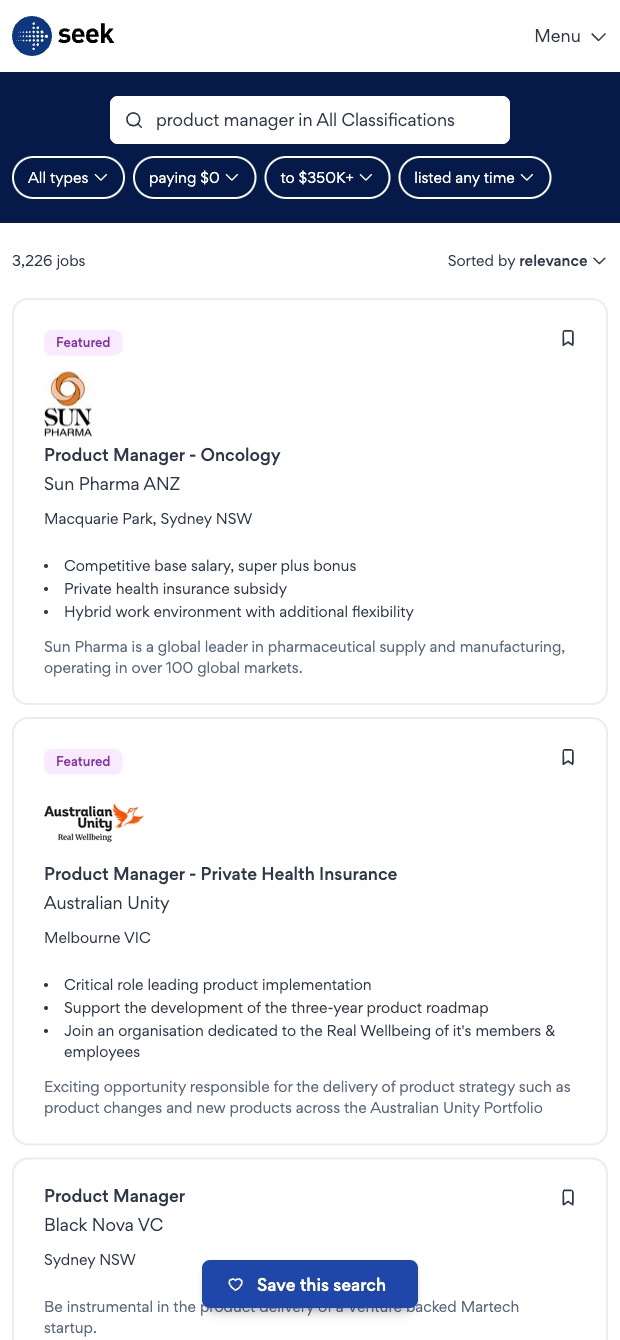

Who it’s for: Talent acquisition teams, recruiters, staffing agencies, and market intelligence pros who need structured SEEK job data from Australia and New Zealand (and broader APAC). This SEEK scraper captures Position, Job URL, Company, Company URL, Company image, Description, Location, Posted ago, Classification, and Salary directly from search results to power talent mapping, competitor hiring analysis, and pipeline building.
How you’ll use it: Send results to Google Sheets, Airtable, or Notion, then enrich companies with headcount, industry, and domains; extract skills from descriptions with AI; normalize and compare salaries; convert “posted ago” into dates; filter by classification and location; and deduplicate postings. Create live dashboards, trigger Slack or email alerts for new roles, and track trends for specific titles like Product Manager, Software Engineer, or Sales across target cities and companies. This SEEK scraper template is ideal for ongoing market scans and quarterly reports.
Maintained by Bardeen: This SEEK job scraper template is built and updated by Bardeen to stay reliable as the site changes, delivering high-quality, accurate data for your workflows.
With Bardeen, you can do much more than just web scraping. After extracting data from any website, use Bardeen’s powerful automation tools to validate and enrich your data, run additional scrapers on linked pages, or leverage AI to qualify leads and generate content automatically. Once your data is ready, you can easily export it to CSV, Google Sheets, Airtable, or Notion for further analysis and reporting.






SOC 2 Type II, GDPR and CASA Tier 2 and 3 certified — so you can automate with confidence at any scale.








