


Extract clean, structured movie and TV metadata from IMDb charts, lists, and search pages—title, URL, release date, runtime, genre, certification, rating, type, description, and poster—perfect for streaming/content acquisition teams, entertainment marketers, editorial teams, and data analysts who track trending titles for planning, cataloging, and reporting.
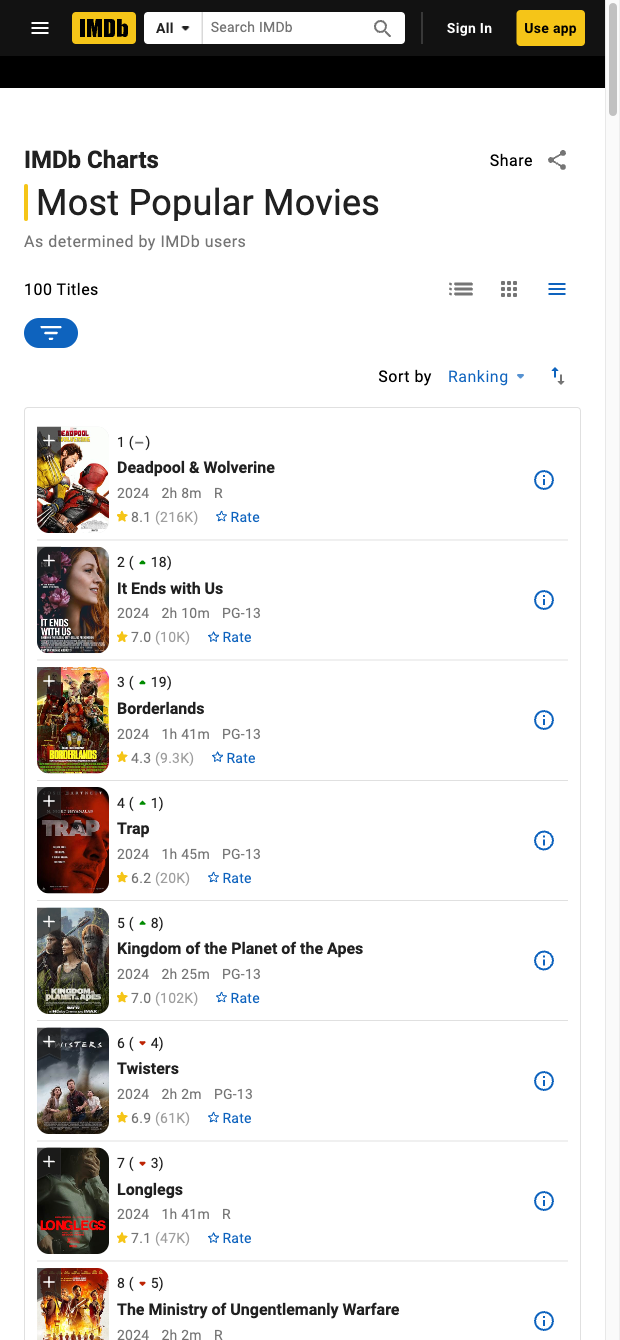

Who it’s for: Streaming and content acquisition teams, entertainment marketers, editorial/social teams, researchers, and media analysts working with global catalogs. Use this IMDb list scraper to quickly capture trending and long-tail titles from charts, lists, and search results with key fields like Title, URL, Release Date, Length, Genre, Certification, Rating, Type, Description, and Poster URL. Build watchlists, prioritize acquisitions, plan editorial calendars, benchmark competitors, and maintain up-to-date movie and TV datasets for reports and pitch materials.
How it’s used: Send the structured data to Google Sheets, Airtable, or Notion, then enrich and transform it with Bardeen—tag by genre or certification, compute shortlists (e.g., rating thresholds or runtime ranges), auto-generate logline summaries with AI, attach poster thumbnails for decks, and merge with internal catalogs. This workflow is ideal for title discovery, trend monitoring from IMDb Moviemeter and other lists, and rapid content planning across regions.
Maintained by Bardeen: This template is built and continually updated by Bardeen to adapt to IMDb changes, delivering reliable, high-quality data for professional use.
With Bardeen, you can do much more than just web scraping. After extracting data from any website, use Bardeen’s powerful automation tools to validate and enrich your data, run additional scrapers on linked pages, or leverage AI to qualify leads and generate content automatically. Once your data is ready, you can easily export it to CSV, Google Sheets, Airtable, or Notion for further analysis and reporting.






SOC 2 Type II, GDPR and CASA Tier 2 and 3 certified — so you can automate with confidence at any scale.









