


Extract translations from Google Translate into a clean, structured table. Ideal for localization managers, content marketers, SEO specialists, and product teams who need fast bilingual pairs for keyword research, product copy, UX strings, and support content. Works globally across any language pair supported by Google Translate, with easy enrichment, QA, and export to Sheets, Airtable, or Notion.
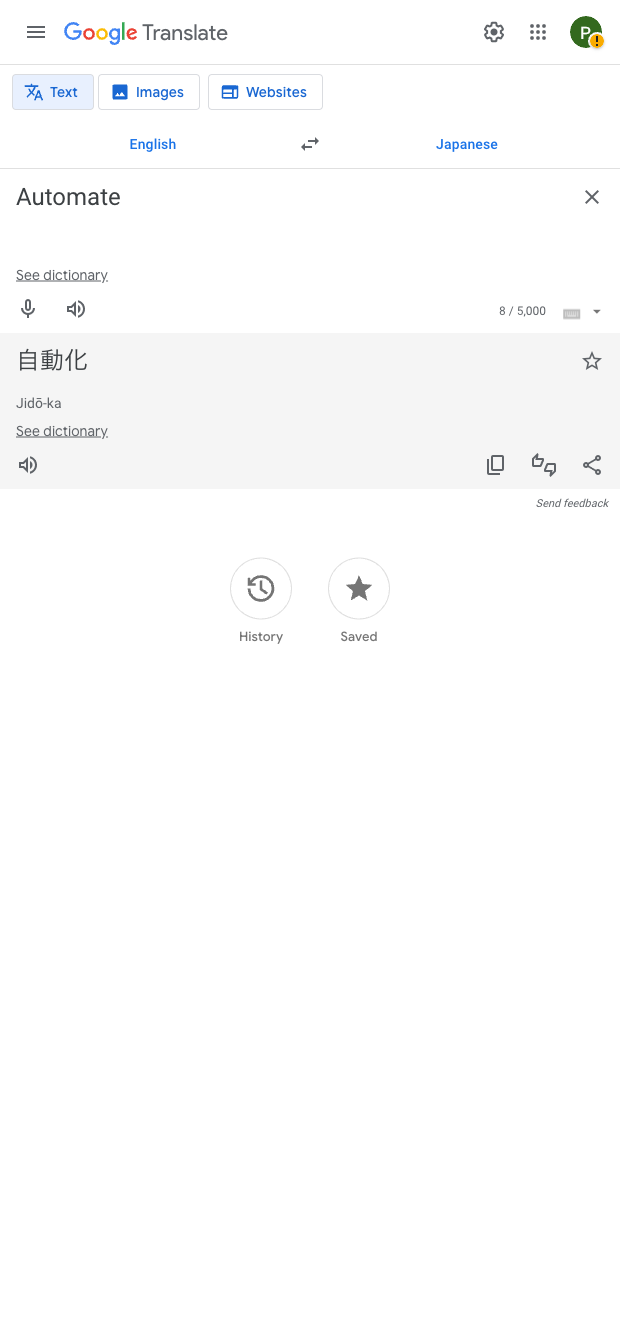

This Google Translate scraper is built for professionals who work with multilingual content at scale—localization managers, content and SEO teams, and product/locales ops. Use it to collect bilingual pairs from any Google Translate page, so you can localize keyword lists, validate UX copy, translate product titles and descriptions, or build glossaries. It captures the core translation outputs you see on the page—such as the source text, target translation, and language pair—with support for global language combinations.
With Bardeen, you can run this scraper across a list of phrases, then enrich, validate, and operationalize the results: compute character counts for app/store limits, deduplicate and normalize casing, ask AI to compare against a brand glossary, tag tone or formality by locale, and join with product IDs or categories. Finally, push your translation table anywhere—Google Sheets, Airtable, Notion, CSV, or a CMS—to power localization workflows and multilingual SEO with reliable, repeatable automation.
Maintained by Bardeen: this template is actively monitored and updated to reflect Google Translate UI changes, delivering a high-quality, dependable Google Translate scraper for production use.
With Bardeen, you can do much more than just web scraping. After extracting data from any website, use Bardeen’s powerful automation tools to validate and enrich your data, run additional scrapers on linked pages, or leverage AI to qualify leads and generate content automatically. Once your data is ready, you can easily export it to CSV, Google Sheets, Airtable, or Notion for further analysis and reporting.






SOC 2 Type II, GDPR and CASA Tier 2 and 3 certified — so you can automate with confidence at any scale.







