


Turn any Google search into a structured dataset with titles, links, snippets, dates, and publication names. Ideal for PR and communications teams, brand marketers, and founders tracking brand mentions, competitor coverage, or industry news globally, this Google SERP scraper helps you compile press mentions, build media lists, and export clean results to Sheets, Airtable, or Notion. Use Bardeen to filter by publication, dedupe domains, add AI sentiment or summaries, and schedule refreshes to keep your monitoring up-to-date.
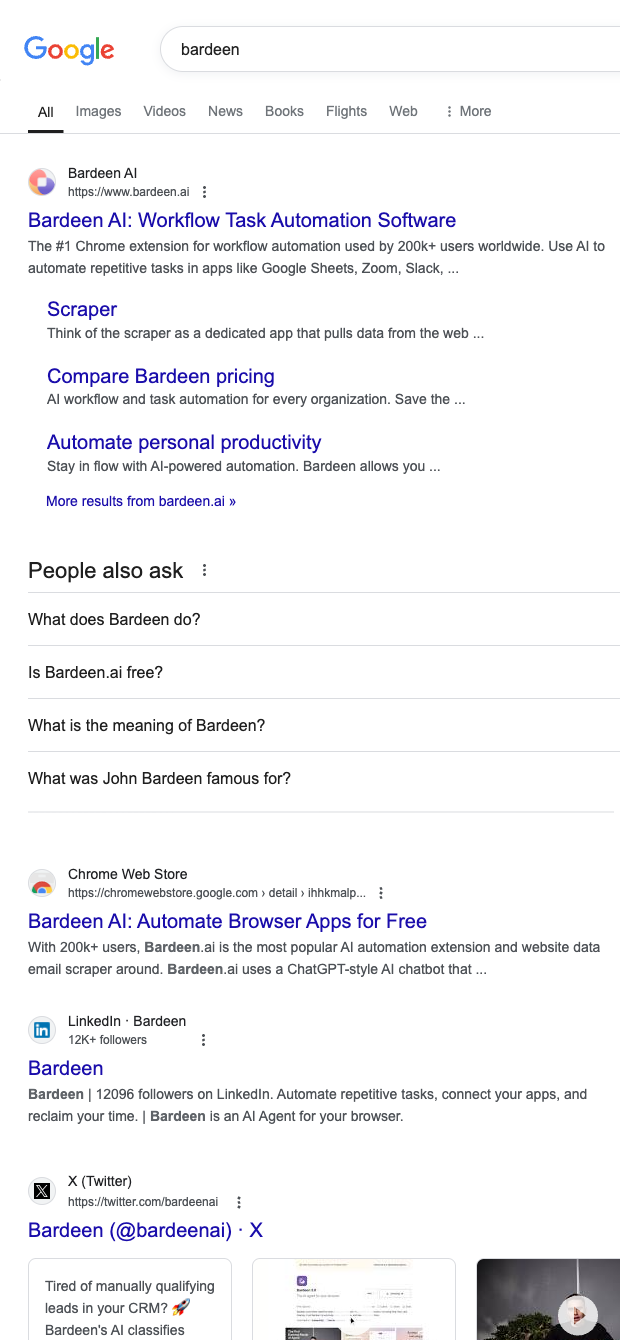

Who it’s for: PR and communications professionals, brand marketers, and founders who need reliable media monitoring and competitive intelligence from Google search results across any region. This template extracts Name (result title), Link, Description (snippet), Date, and Publication, making it perfect for tracking brand mentions, monitoring competitor news, and sourcing articles for outreach.
How it’s used: Run a query (e.g., brand, product, executive name, or competitor), capture results into a table, and send them to Google Sheets, Airtable, or Notion. Then enrich and analyze: classify sentiment with AI, summarize articles, group by publication, filter by date to spot fresh coverage, deduplicate domains, and compute coverage trends over time. Build press lists from the Publication field, add contact discovery steps, and create automated alerts for new mentions.
Benefits: Get clean, ready-to-use SERP data for global media monitoring, faster reporting, and better outreach targeting—without manual copy-paste. Combine with Bardeen’s enrichment and automation steps to turn raw search results into actionable PR insights and recurring workflows.
With Bardeen, you can do much more than just web scraping. After extracting data from any website, use Bardeen’s powerful automation tools to validate and enrich your data, run additional scrapers on linked pages, or leverage AI to qualify leads and generate content automatically. Once your data is ready, you can easily export it to CSV, Google Sheets, Airtable, or Notion for further analysis and reporting.






SOC 2 Type II, GDPR and CASA Tier 2 and 3 certified — so you can automate with confidence at any scale.







