


Extract structured data from any FlexJobs job posting—like job title, company, location, remote status, description, qualifications, and application link—and seamlessly export to Google Sheets, Airtable, Notion, or your ATS. Ideal for recruiters, talent sourcers, staffing agencies, and labor market analysts tracking remote and flexible roles across North America and global markets.
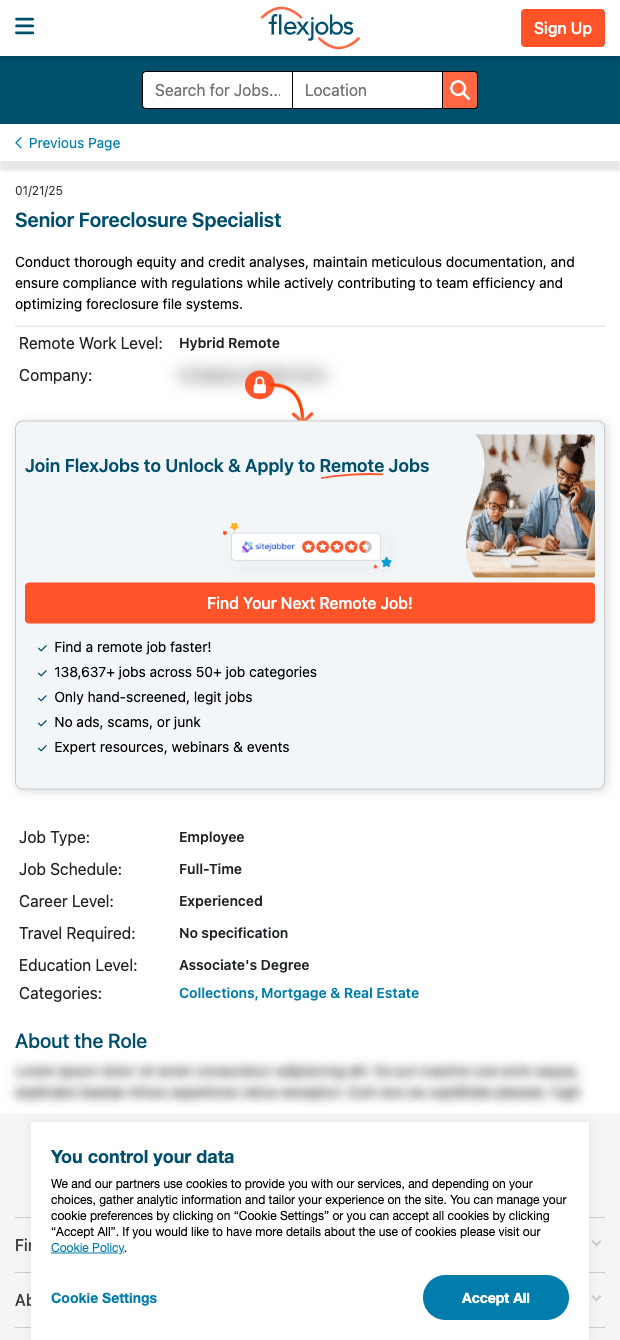

This FlexJobs job post scraper is built for recruiters, HR operations teams, and market researchers who need reliable data from remote and flexible job listings. Capture key details from individual FlexJobs postings in a clean, tabular format to analyze hiring trends, benchmark requirements, or build vetted pipelines. It’s a fast, compliant way to gather structured job data for remote-first and hybrid roles, commonly focused on the U.S. and Canada but inclusive of global opportunities.
Use Bardeen to enrich and operationalize the data: auto-categorize roles with AI, summarize lengthy descriptions, normalize job levels, compute salary ranges when present, and enrich company records with size, industry, and social profiles. Then sync to Google Sheets, Airtable, Notion, CRMs, or ATS tools, trigger alerts for new roles, and deduplicate against your existing pipelines. This is perfect for building competitor hiring dashboards, sourcing lists, and market insights on remote work from FlexJobs.
Maintained by Bardeen: this template is proactively updated to reflect changes on FlexJobs, ensuring high-quality, accurate extraction you can depend on for ongoing workflows.
With Bardeen, you can do much more than just web scraping. After extracting data from any website, use Bardeen’s powerful automation tools to validate and enrich your data, run additional scrapers on linked pages, or leverage AI to qualify leads and generate content automatically. Once your data is ready, you can easily export it to CSV, Google Sheets, Airtable, or Notion for further analysis and reporting.






SOC 2 Type II, GDPR and CASA Tier 2 and 3 certified — so you can automate with confidence at any scale.










