


Export development agency listings from Clutch search results into clean, structured data. Ideal for founders, product leaders, and vendor/procurement teams comparing agencies globally—capture names, ratings, reviews, websites, locations, employee counts, hourly rates, minimum project sizes, and more to build a qualified shortlist fast.
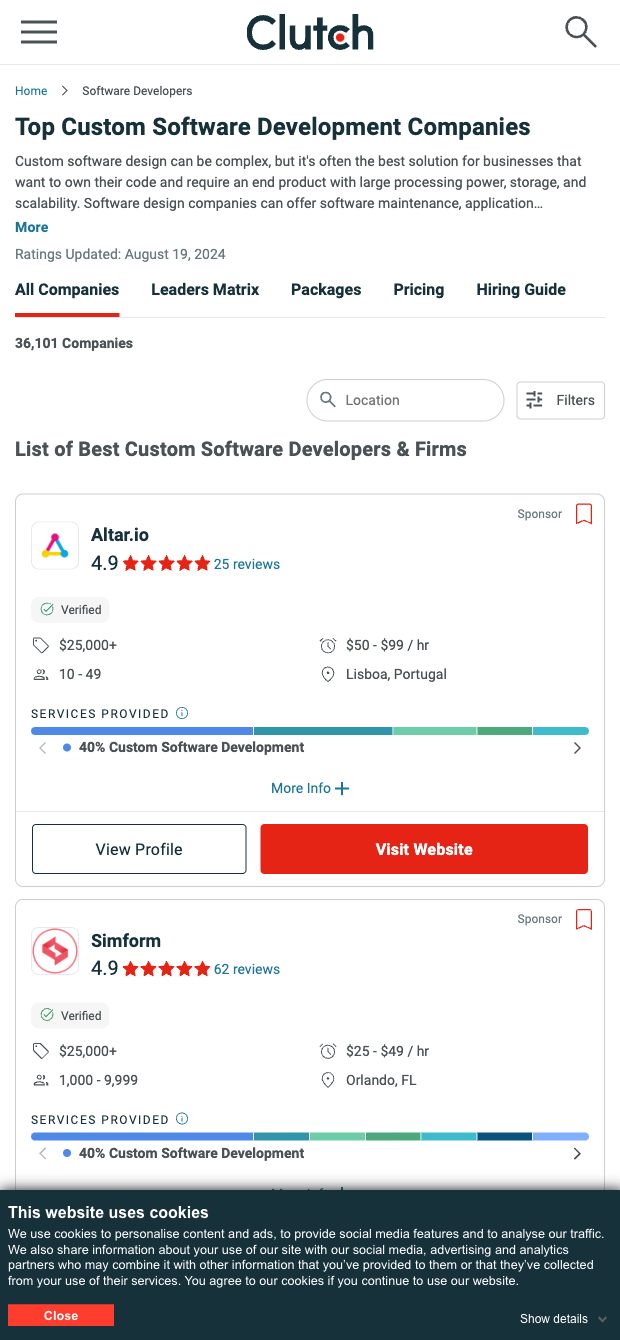

This template is designed for buyers and evaluators of software development partners—startup founders, product managers, operations, procurement, and partnership teams—who rely on Clutch to research agencies worldwide. Use it to quickly assemble a vetted shortlist with key decision data like rating, reviews, hourly rate, minimum project size, location, and employees, plus direct links to profiles and websites for deeper due diligence and outreach.
Once scraped, the results are structured in a tabular format so you can filter by budget, geography, or rating, rank vendors, and remove duplicates. With Bardeen, you can summarize descriptions and quotes with AI, compute cost bands, enrich company data, and send the final list to Google Sheets, Airtable, Notion, or your CRM to kick off RFPs and outreach. This makes vendor sourcing, benchmark comparisons, and market mapping on Clutch fast and repeatable.
Maintained by Bardeen: this scraper is actively monitored and updated to reflect changes on Clutch, ensuring reliable performance and high-quality data over time.
With Bardeen, you can do much more than just web scraping. After extracting data from any website, use Bardeen’s powerful automation tools to validate and enrich your data, run additional scrapers on linked pages, or leverage AI to qualify leads and generate content automatically. Once your data is ready, you can easily export it to CSV, Google Sheets, Airtable, or Notion for further analysis and reporting.






SOC 2 Type II, GDPR and CASA Tier 2 and 3 certified — so you can automate with confidence at any scale.









