


Extract clean, structured data from any Capterra product overview page—ratings, reviews count, pricing, features, categories, vendor details, platforms, integrations, support and more—perfect for product marketers, competitive intelligence, and market researchers building SaaS comparison tables, battlecards, and category landscapes. Quickly enrich, analyze, and send the results to Google Sheets, Airtable, Notion, or your CRM with Bardeen.
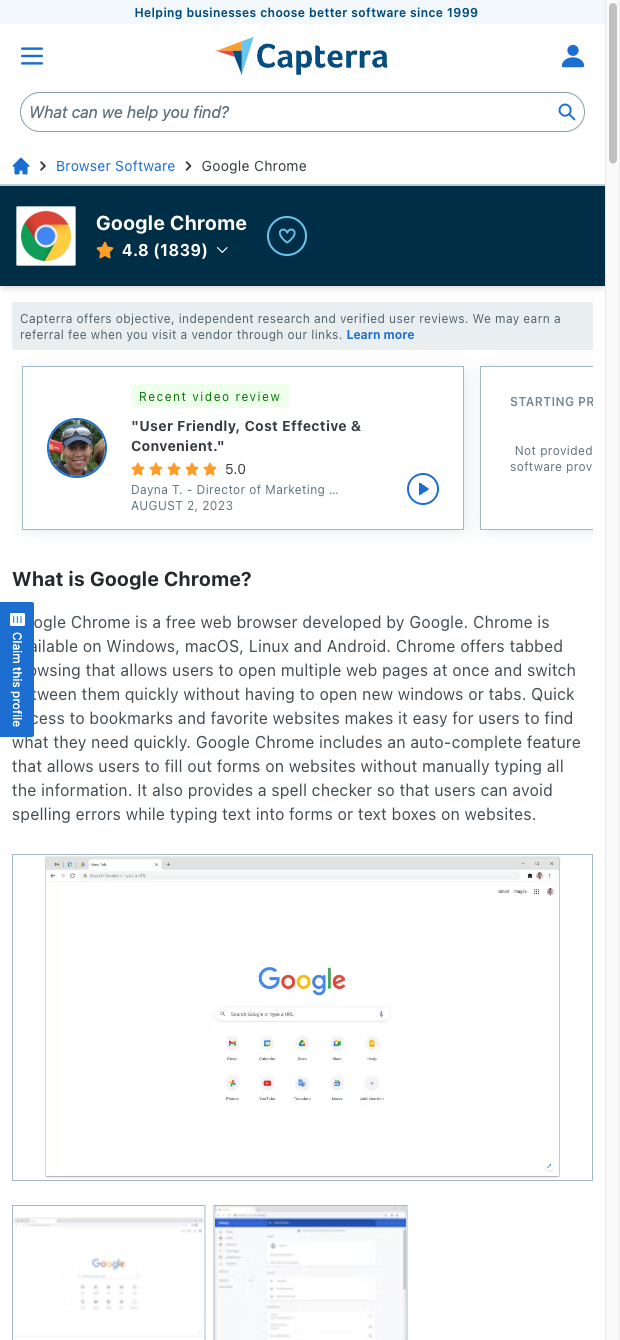

Who it’s for: Product marketers, growth and competitive intelligence teams, analysts, and agencies evaluating B2B software globally (with strong coverage in North America and EMEA). Use this Capterra scraper to build feature matrices, pricing comparisons, competitor profiles, and market maps without manual copy-paste.
What you get and how to use it: Capture consistent fields from Capterra product overview pages like product name, category, overall rating, reviews volume, pricing information (starting price, free trial/version), deployment and platform details, support and training options, features, integrations, vendor links, and more. With Bardeen, you can enrich records with AI to summarize positioning statements, auto-tag features, standardize pricing, compute category benchmarks, rank competitors, and route the results directly into Google Sheets, Airtable, Notion, or CRM for dynamic battlecards and reporting.
Quality you can trust: This template is built and maintained by Bardeen. We monitor site changes and update the scraper so you consistently get reliable, high-quality Capterra product data for your workflows.
With Bardeen, you can do much more than just web scraping. After extracting data from any website, use Bardeen’s powerful automation tools to validate and enrich your data, run additional scrapers on linked pages, or leverage AI to qualify leads and generate content automatically. Once your data is ready, you can easily export it to CSV, Google Sheets, Airtable, or Notion for further analysis and reporting.






SOC 2 Type II, GDPR and CASA Tier 2 and 3 certified — so you can automate with confidence at any scale.










